1
REAL TIME MIDI SEQUENCING
TO RENAME A FILE
When a file is received, it is given a name and number in the order
that it was received. For instance, the first file is named "File 01",
the second "File 02", etc. A file can be renamed with a name up to
8 characters long using the Rename function. To Rename a file,
do the following:
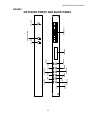
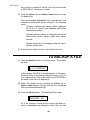
1) Press the NAME button on the front panel. The display
will then read:
RENAME XXXXXX
YYYYYY ZZZZZZZZ?
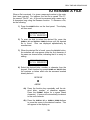
2) To scan the disk to select the desired file, press the
SCROLL UP and SCROLL DOWN buttons until the desired
file is found. Files are displayed alphabetically by
manufacturer.
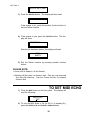
3) When the desired file is found, press the DO/YES button.
An underline will now appear under the first character of
the name as shown below, indicating that it is ready for
editing.
RENAME XXXXXX
YYYYYY ZZZZZZZZ?
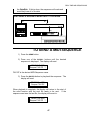
4) Select the desired letter, number, or character from the
keypad. Each function key except NAME and DO/YES has
the numbers or letters which can be accessed marked
directly below it.
RECEIVE
o
ABCDE
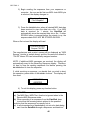
4a) Press the function key repeatedly until the desired letter, number, or character appears.
Press the FORMAT button for a space (blank
character). A space will automatically increment
to the next character.
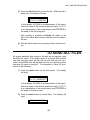
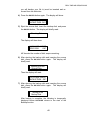
4b) Press the SCROLL UP or SCROLL DOWN buttons
to move the cursor to the desired location. This
will appear in the display as:
33