1
SECTION 7
MONITORING A SEQUENCE BEING SENT TO
DATADISK
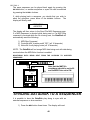
Out
IN
MIDI THRU BOX
Out
Out
IN
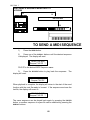
TO SEND A MIDI SEQUENCE
1)
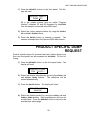
Press the SEND button.
2)
Press one of the SCROLL buttons until the desired sequence
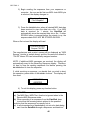
is displayed. The display will read:
SEND FILE MIDI
Seqnce FILE ZZ ?
FILE ZZ is the desired MIDI Sequence name.
3)
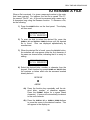
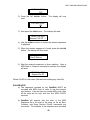
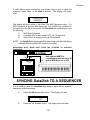
Press the DO/YES button to play back the sequence. The
display will read:
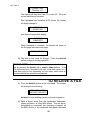
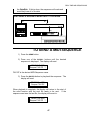
SENDING : MIDI
Seqnce FILE ZZ
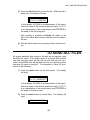
When playback is complete, the display will return to the start of the send
function with the next file ready to be sent. If the sequence sent was the
last file, the display will revert to:
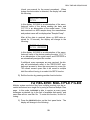
SEND FILE MIDI
Seqnce FILE ZZ ?
The same sequence can be played back again by pressing the DO/YES
button, or another sequence or sysex file can be selected by pressing the
SCROLL buttons.
60