1
2
Setting Up an Operating System
Refer to the specific operating system information you received for details.
NOTE: This information provides what you need to begin an operating system
installation. Once you have started an installation, follow the on-screen instructions,
which may differ slightly from what is documented here.
This chapter describes how to install an operating system; set up partitions for a Microsoft
Windows NT installation; and update firmware.
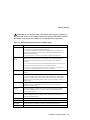
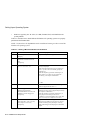
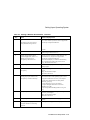
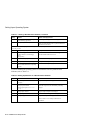
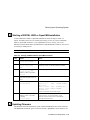
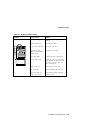
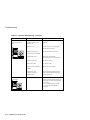
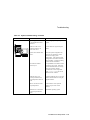
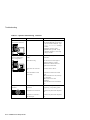
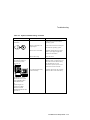
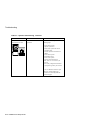
Refer to Table 2-1 for instructions on installing the Microsoft Windows NT operating
system on a properly partitioned and formatted disk; see Table 2-2 for instructions on
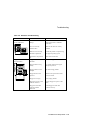
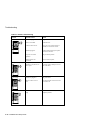
setting up partitions for an NT installation. Refer to Table 2-3 for instructions on
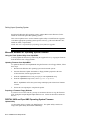
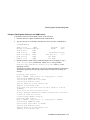
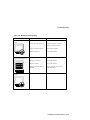
installing the DIGITAL UNIX or OpenVMS operating systems.
CAUTION: If you boot from a DIGITAL UNIX disk and also occasionally boot
Microsoft Windows NT from another disk, use caution when you run the Windows NT
Disk Administrator. When the Disk Administrator detects additional disks, it updates the
system configuration. The Disk Administrator prompts you for permission to write a
signature to the additional disks. Writing the signature to a DIGITAL UNIX disk destroys
the boot block on that disk and makes the operating system on that disk no longer
bootable. Select NO when you are asked if you want to write a signature to your
DIGITAL UNIX disk.
Starting a Windows NT Installation
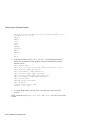
DIGITAL partitions and formats disk 0 on the first SCSI controller in non-RAID Windows
NT systems. The partitions are set up as follows:
•
Partition 1 (typically, the “C” drive) is the size of the disk less 6 MB and formatted
FAT. Normally, you select “convert to NTFS” during the Windows NT installation.
2–1