1
Chapter 3
Installing and Configuring the Cisco Secure ACS Appliance
Initial Configuration
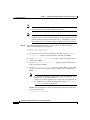
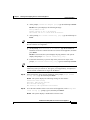
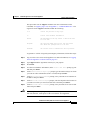
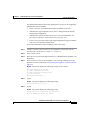
Step 2
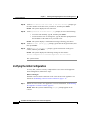
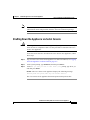
At the login: prompt, type the new administrator name, press Enter, and then at
the password: prompt, enter the password you created during initial
configuration.
Result: The system prompt appears.
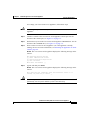
Step 3
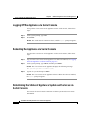
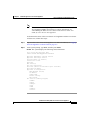
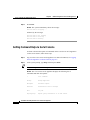
At the system prompt, type show, and then press Enter.
Result: The system displays status information.
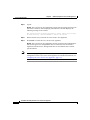
Step 4
Verify the information displayed.
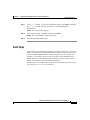
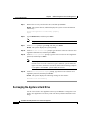
Next Steps
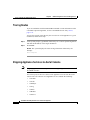
After you have successfully performed the procedures in this guide, your Cisco
Secure ACS Appliance is installed and initially configured. The next step is to use
a browser and the HTML interface to fully configure your Cisco Secure ACS
Appliance to provide the AAA services you want from this installation. The
HTML address is in the following format: HTTP//[ip address]:2002, where ip
address is the address you assign during configuration.
For information on setting up user, group, network, and other parameters, see the
User Guide for Cisco Secure ACS Appliance.
Installation and Setup Guide for Cisco Secure ACS Appliance
78-14573-02
3-21