1
Alternate Line Service
Alternate Line Service
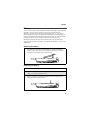
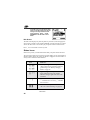
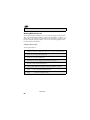
As an Alternate Line customer, you will be given a separate phone number for
each line. With alternate lines, you can separate business and personal calls, or
designate one as a priority line.
Nextel Mobile Messaging and Nextel Online services use the Line 1 phone
number. You only need to subscribe to Caller ID or Voice Mail once — these
services will be available on both lines. Forwarding Line 2 to Line 1 will send
Line 2 incoming calls directly to Voice Mail without ringing.
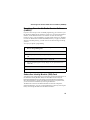
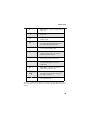
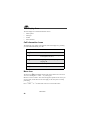
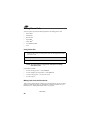
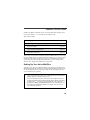
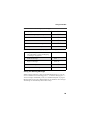
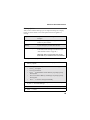
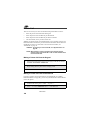
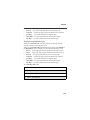
The following settings are independent for each phone line. When you enable
one of these settings, it applies only to the active line:
•
•
•
•
•
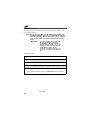
Call Forwarding
Ring/Vibrate
In Call Setup
Call Timers
Auto Answer
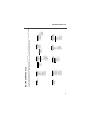
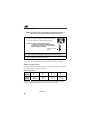
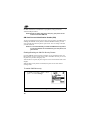
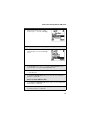
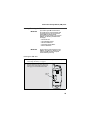
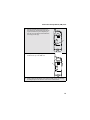
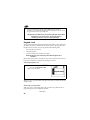
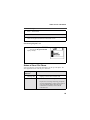
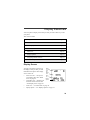
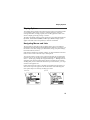
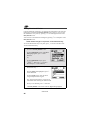
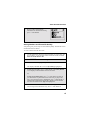
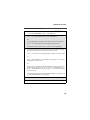
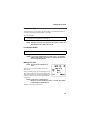
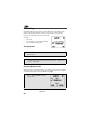
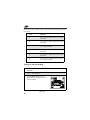
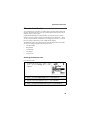
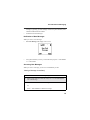
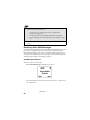
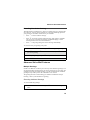
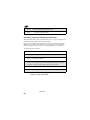
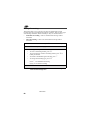
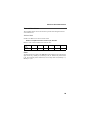
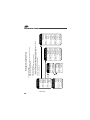
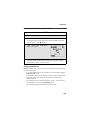
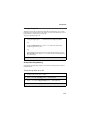
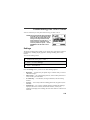
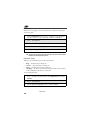
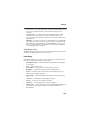
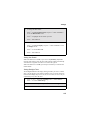
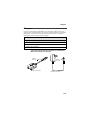
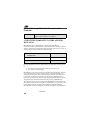
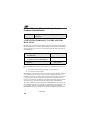
Selecting the Alternate Line
From the idle screen:
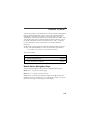
1
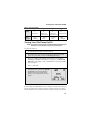
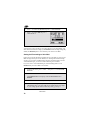
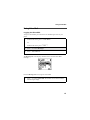
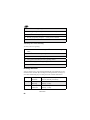
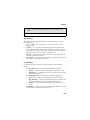
From the idle screen, press q , then
press S to scroll to Settings. Press C under
SELECT.
B
Line2
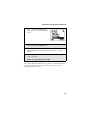
2
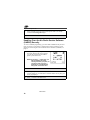
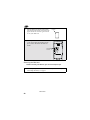
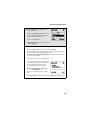
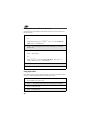
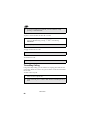
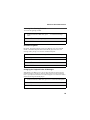
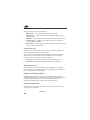
Press R to scroll to Phone Setup. Press C under SELECT.
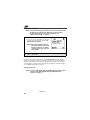
3
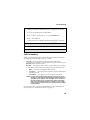
With the current line highlighted, press C under CHANGE.
4
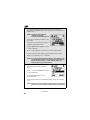
Press R to scroll to the desired line and press C under SELECT.
75