1
•
•
•
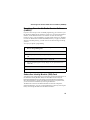
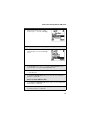
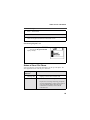
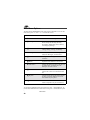
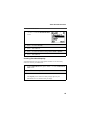
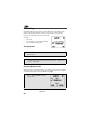
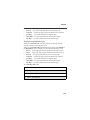
Voice Volume — sets the volume of your phone’s earpiece and speaker
Tkgrp Settings — sets certain Talkgroup options
Service Status — shows the status of your phone’s services
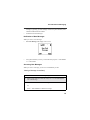
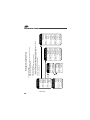
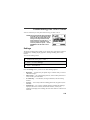
To access any of these options:
1
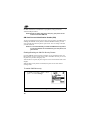
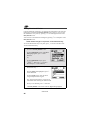
From the Settings screen, press R to scroll to the option you want to
access.
2
Press C under SELECT.
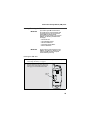
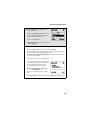
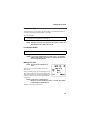
Many of these options have other options within them. Press S to scroll
through the lists of options, and press C to select and modify options and the
features, according to the instructions on your phone’s screen. For some options,
you can also press T to select sub-options.
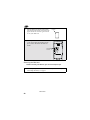
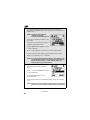
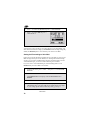
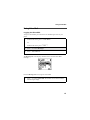
In screens that show lists of options for a setting, a check mark to the left of the
option indicates the current option for the setting.
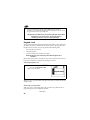
Ring/Vibe
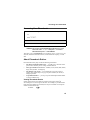
Ring/Vibe enables you to control how your phone rings when you receive calls
and messages. You can set a ring volume, choose ring styles, and use the
VibraCallâ Alert feature which enables you to set your phone to alert you to
calls and messages by vibrating.
Main Options
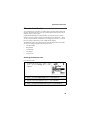
Ring/Vibe provides these main options:
•
•
•
•
•
•
•
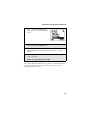
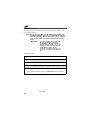
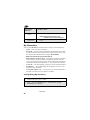
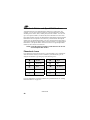
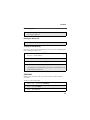
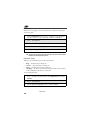
Ringer Vol — sets ring volume
Keypad Vol — sets volume of sounds associated with keypad actions
Mail Vol — sets volume of Text Message, Voice Mail, and Net Alert
notifications
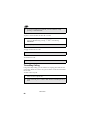
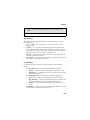
Data Vol — sets data volume
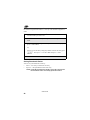
Headset — choosing the HdsetOnly option prevents sound from being
emitted from the phone’s speaker when the headset is being used
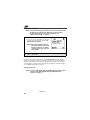
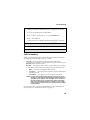
VibeAll — choosing On sets the phone to vibrate for all calls, messages,
and alerts; choosing Off enables you set the type of notification for each of
these features.
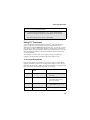
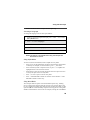
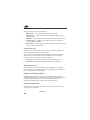
Line 1 — sets the ring style and type of notification for calls on Line 1
nextel.com
120