1
Composer Pro User Guide
one (1) room from the front IR receiving window. The Home Theater Controller has one (1) front
IR receiving window so it can only support one (1) room. If needed, you can stack the Controllers
to support additional rooms as necessary.
To use Control4 IR Input codes for programming third-party remote control devices:
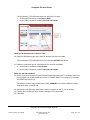
1. Plan where remote controls will be used in the house or site. Each room is assigned a mask
number. You can program the rooms using a different mask number for up to 15 rooms.
Example:
Master Bedroom - Mask 0
Theater Room - Mask 1
Family Room - Mask 2
Bedroom 1 - Mask 3
Bedroom 2 - Mask 4
Bedroom 4 - Mask 5
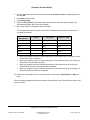
2. Using the IR Input codes provided at http://www.control4.com in an XML file, program the thirdparty remote by copying and pasting the codes. Note: The room mask is included in the individual
codes in each set.
Example:
Program Remote Controls using the codes associated with the mask:
Master Bedroom (Global Remote) - Mask 0
Theater Room (Remote 1) - Mask 1
Family Room (Remote 2) - Mask 2
Bedroom 1 (Remote 3) - Mask 3
Bedroom 2 (Remote 4) - Mask 4
Bedroom 4 (Remote 5) - Mask 5
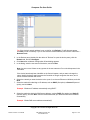
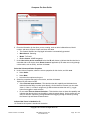
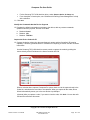
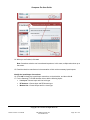
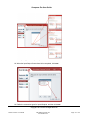
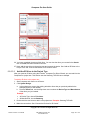
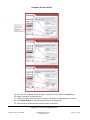
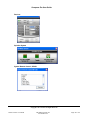
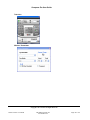
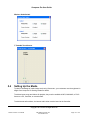
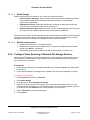
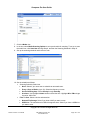
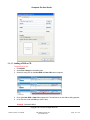
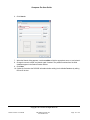
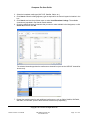
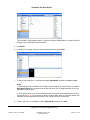
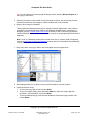
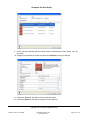
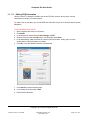
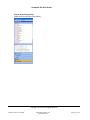
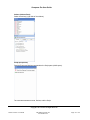
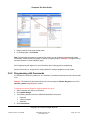
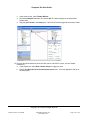
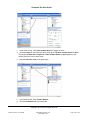
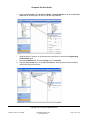
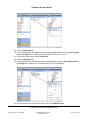
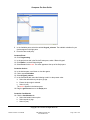
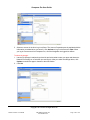
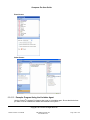
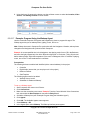
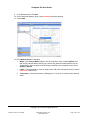
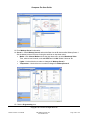
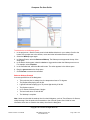
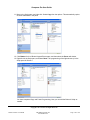
3. In the Composer Pro project and the System Design view, select a room and click the
Miscellaneous tab under Properties.
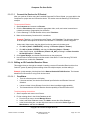
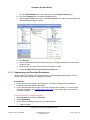
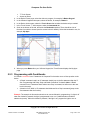
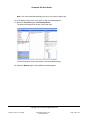
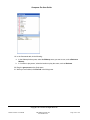
4. In Multi-Room Shared IR Settings, use the pull-down menu to select the IR Room Mask number
(None through 15).
Copyright © 2011 Control4. All Rights Reserved.
Saved: 4/14/2011 4:10:00 PM
200-00005 Composer Pro
User Guide Part 2
Page 174 of 179