1
Composer Pro User Guide
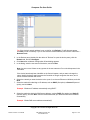
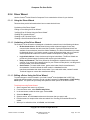
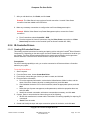
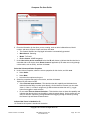
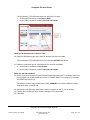
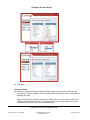
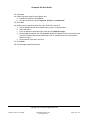
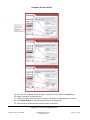
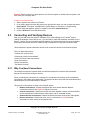
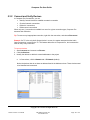
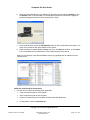
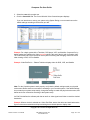
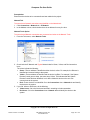
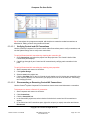
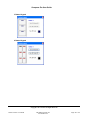
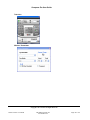
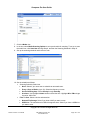
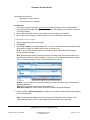
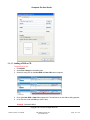
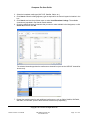
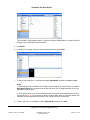
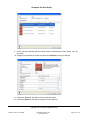
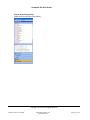
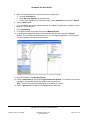
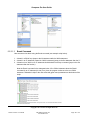
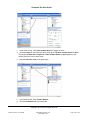
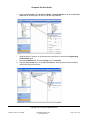
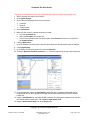
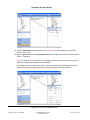
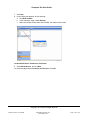
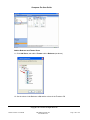
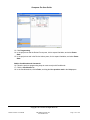
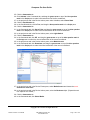
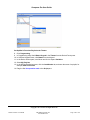
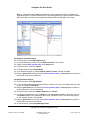
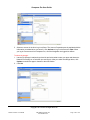
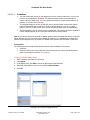
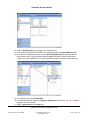
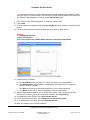
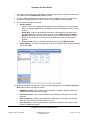
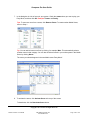
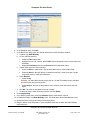
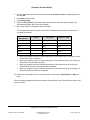
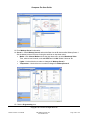
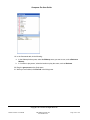
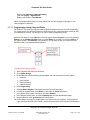
7. In the dialog box is a list of rooms in your system. Check the rooms where you want to play your
Party Music, and then click OK. Example: Theater and Family.
Tips: To remove a room from a scene, click Remove Room. To create another Media Scene,
return to Step 1.
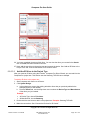
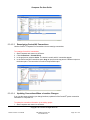
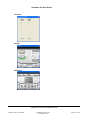
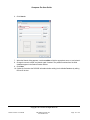
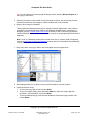
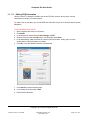
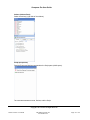
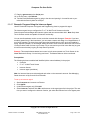
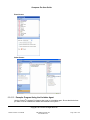
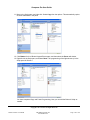
Tip: You can add all rooms on a floor by clicking, for example, Main. This automatically selects
all other rooms in that category. You can also include all rooms in your entire system in the Media
Scene by clicking House.
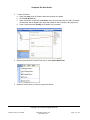
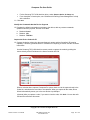
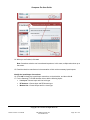
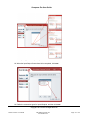
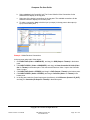
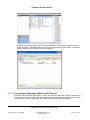
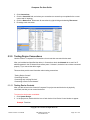
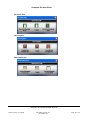
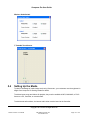
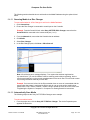
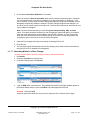
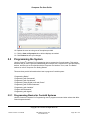
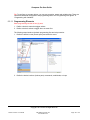
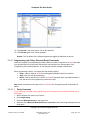
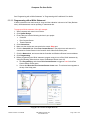
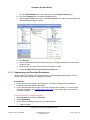
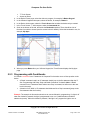
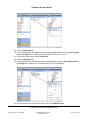
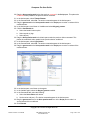
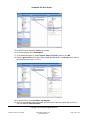
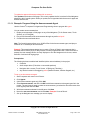
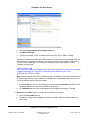
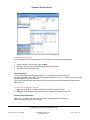
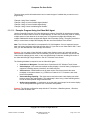
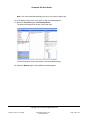
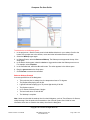
The rooms you selected appear in the new Media scene 'Party Music.'
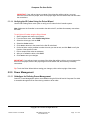
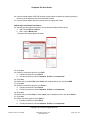
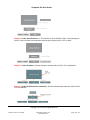
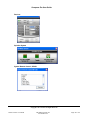
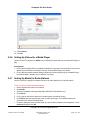
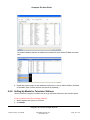
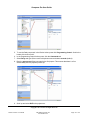
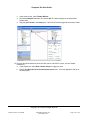
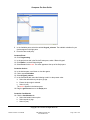
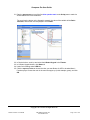
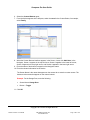
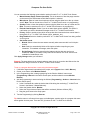
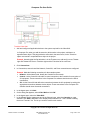
8. To activate the scene, click Activate Scene at the top of the screen.
To deactivate, click the Deactivate Scene button.
Copyright © 2011 Control4. All Rights Reserved.
Saved: 4/14/2011 4:10:00 PM
200-00005 Composer Pro
User Guide Part 2
Page 152 of 179