1
THE MINELAB EXPLORER II
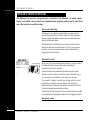
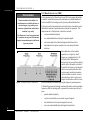
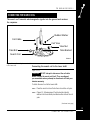
Smartfind display
Main Menu
Figure 1.2
Advanced mode
Once you are familiar with the feel and functions of the detector, it is
a simple matter to move into Advanced mode. This will enable you to
change the appearance of the display, modify audio responses,
specify custom targets and edit and save personal settings. Chapter
6: Advanced Use provides all of the information you need to
personalize your Explorer for specialized targeting.
Getting Lost?
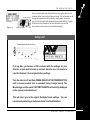
Factory Reset Power On Tune
If at any time you become a little confused with the settings for your
detector, or just want to brush up on basic detector use, it is simple to
reset the Explorer II to its original factory settings.
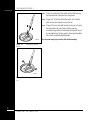
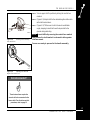
Turn the detector off and then PRESS AND HOLD THE POWER BUTTON
until a six-note musical tune is sounded (rising C-major chord). The
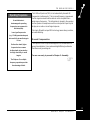
Minelab logo and the words ‘FACTORY PRESETS’ will be briefly displayed
on the screen (as shown above).
This will return you to the original Quickstart mode settings. You can
resume basic detecting or make selections from the Main Menu.
11
MINELAB’S UNIQUE TECHNOLOGY