1
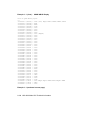
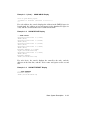
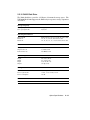
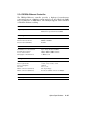
Example 1–4: SHOW LANGUAGE Display
>>> SHOW LANGUAGE
English (United States/Canada)
>>>
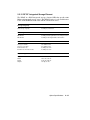
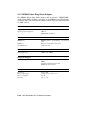
Example 1–5: SET LANGUAGE Command
>>> SET LANGUAGE 5
>>>
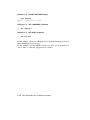
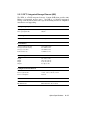
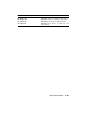
Example 1–6: SET BOOT Command
>>> SET BOOT MUA0
>>>
In this example, selection 5 is English, chosen from the Language Selection
Menu that displays at power-up.
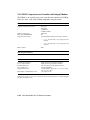
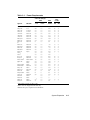
In this example, entering MUA0 sets the tape drive as the default boot
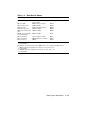
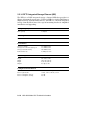
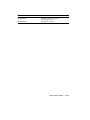
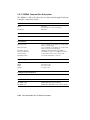
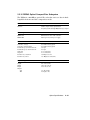
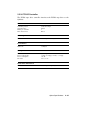
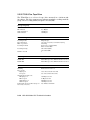
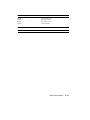
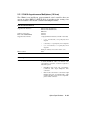
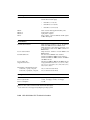
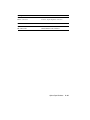
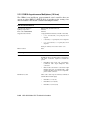
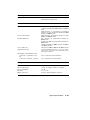
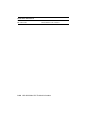
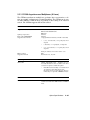
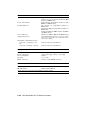
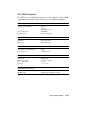
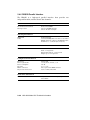
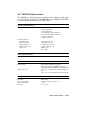
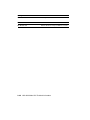
device. Table 1–3 lists the supported device names.
1–12 VAX 4000 Model 200 Technical Information