1
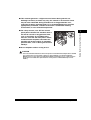
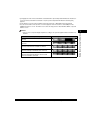
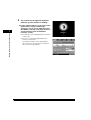
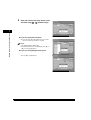
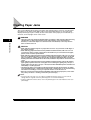
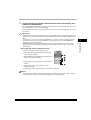
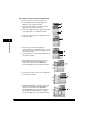
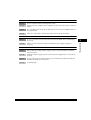
• The meanings of the icons that appears in the Job/Print Status Display Area (on the bottom left of the
screen) are described below:
Icon (Type of Job)
Description
Copy Job
Send/Fax Job
1
Printer Job
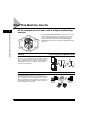
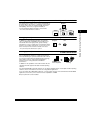
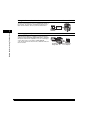
Before You Start Using This Machine
Mail Box Job
Report Job
Network Scan Job
Remote Copy Job
Additional Functions Job
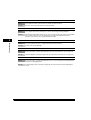
Icon (Machine Status)
Description
Error
Paper Jam
Staple Jam
Replace Toner Cartridge
1-18
System Configuration and Parts