1
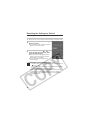
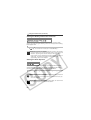
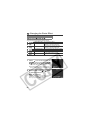
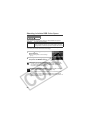
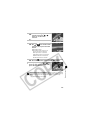
Viewing Nine Images at a Time
(Index Playback)
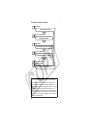
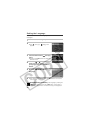
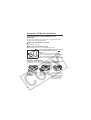
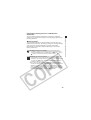
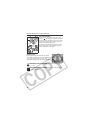
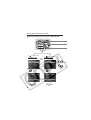
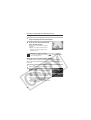
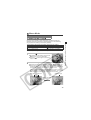
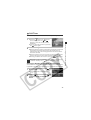
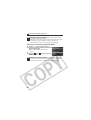
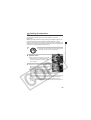
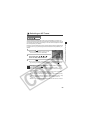
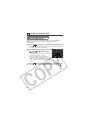
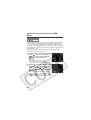
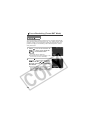
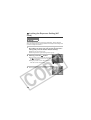
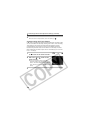
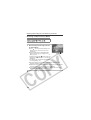
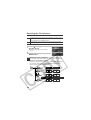
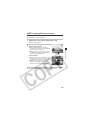
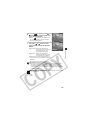
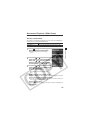
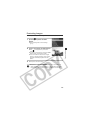
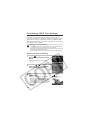
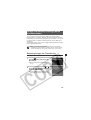
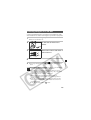
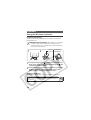
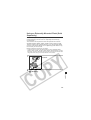
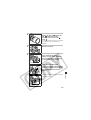
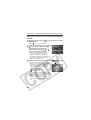
Up to nine images can be viewed at once in index playback.
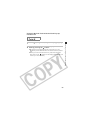
1
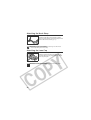
While in single image playback,
press the
button.
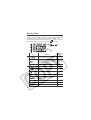
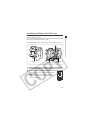
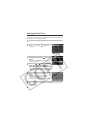
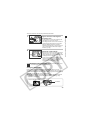
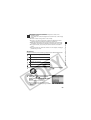
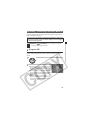
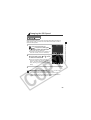
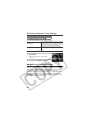
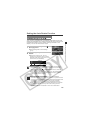
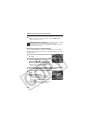
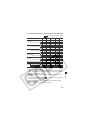
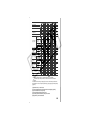
z Nine images appear at once (index
playback).
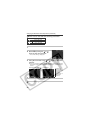
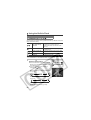
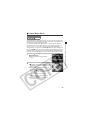
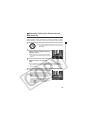
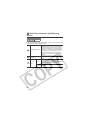
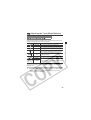
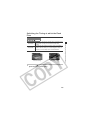
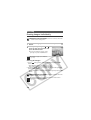
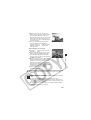
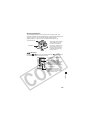
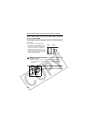
Movie
Frame
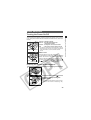
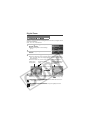
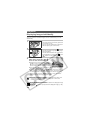
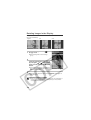
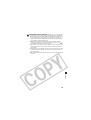
2
Selected
Image
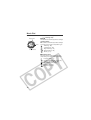
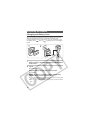
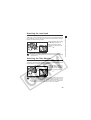
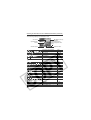
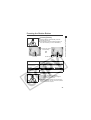
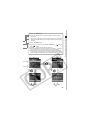
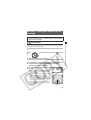
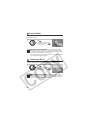
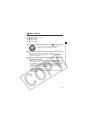
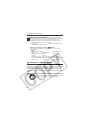
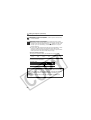
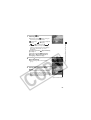
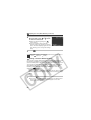
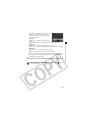
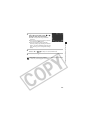
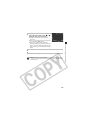
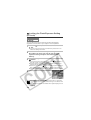
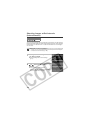
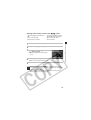
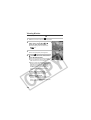
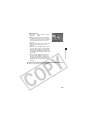
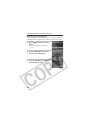
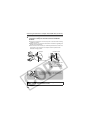
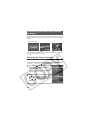
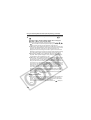
Change the image selection by turning the main dial
or using the S, T, W or X arrow on the omni
selector.
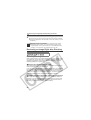
Pressing the S arrow in this row displays the
previous set of nine images.
Pressing the T arrow in this row displays the
next set of nine images.
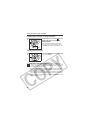
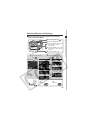
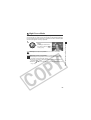
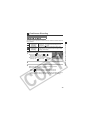
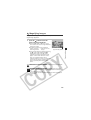
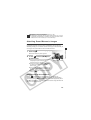
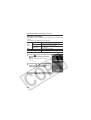
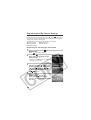
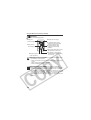
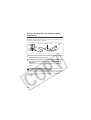
3
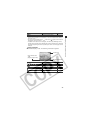
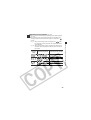
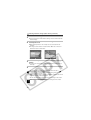
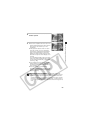
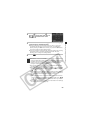
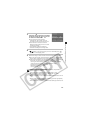
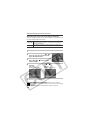
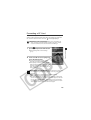
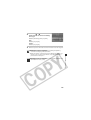
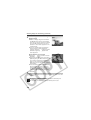
Press the
button.
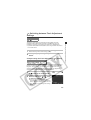
z Index playback cancels and the display reverts to single image
playback.
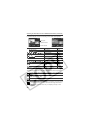
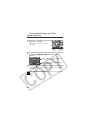
z Press the INFO. button to show the data for the displayed image
(p. 34).
124