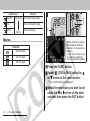
1
Auto Exposure Bracketing (AEB Mode)
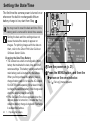
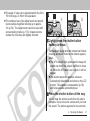
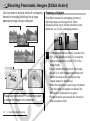
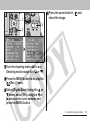
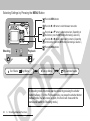
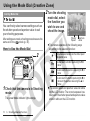
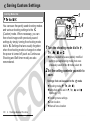
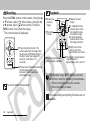
z You can shoot the image right after selecting
settings by pressing the shutter button. The
menu displays again after the shot, allowing you
to change the settings easily.
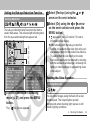
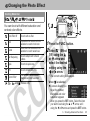
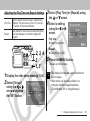
Contrast
z This function allows you to adjust the degree of
brightness.
z Select from - (Weak), 0 (Neutral) and +
(Strong).
Sharpness
z This function allows you to adjust how sharply
outlines are defined.
z Select from - (Weak), 0 (Neutral) and +
(Strong).
Saturation
z This function allows you to adjust the color
depth.
z Select from - (Weak), 0 (Neutral) and +
(Strong).
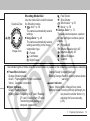
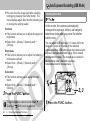
Shooting Mode Dial
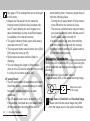
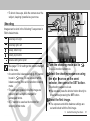
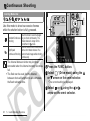
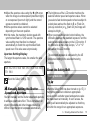
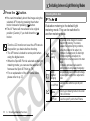
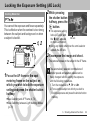
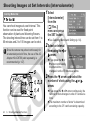
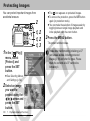
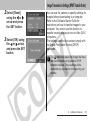
In this mode, the camera automatically
changes the exposure within a set range to
take three shots after you press the shutter
button once.
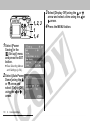
You can adjust AEB settings in 1/3 stops within the
range of -2 stops to +2 stops of the standard
exposure setting. AEB settings can be combined with
exposure compensation settings (p. 80) to extend
the adjustment range. The images are recorded in
the following order: Standard exposure,
underexposure and overexposure.
1, 4
2, 3
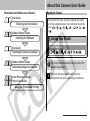
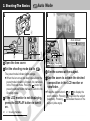
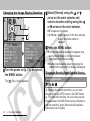
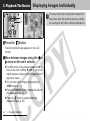
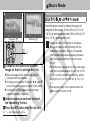
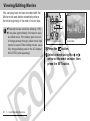
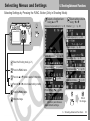
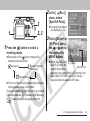
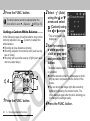
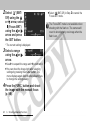
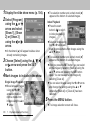
3 Press the FUNC. button.
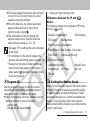
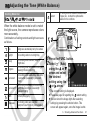
The white balance cannot be set when
(Sepia) or
(B/W) mode is selected.
86
6. Shooting-Advanced Functions
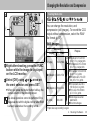
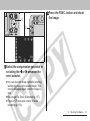
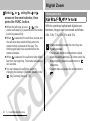
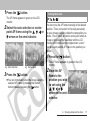
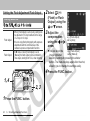
1 Press the FUNC. button.