1
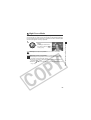
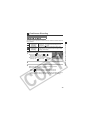
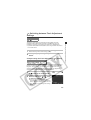
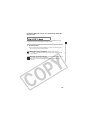
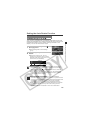
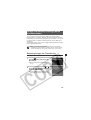
Movie Mode
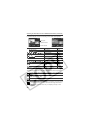
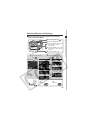
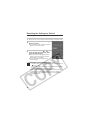
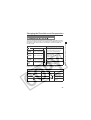
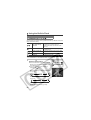
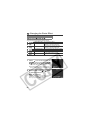
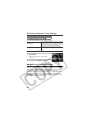
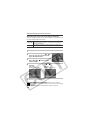
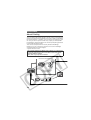
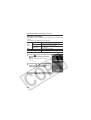
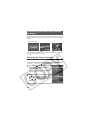
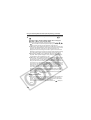
Use this mode to shoot movies. The resolution can be selected from
the following settings (p. 57):
z[
(640 x 480)]
z[
(320 x 240)]
z[
(160 x 120)]
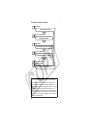
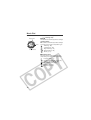
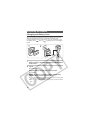
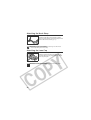
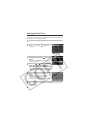
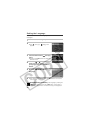
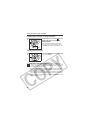
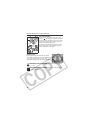
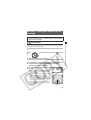
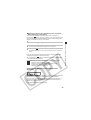
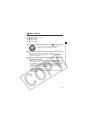
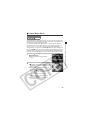
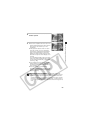
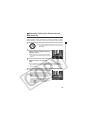
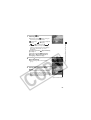
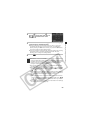
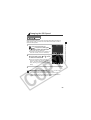
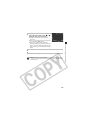
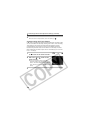
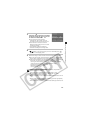
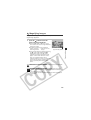
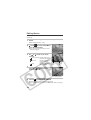
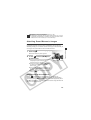
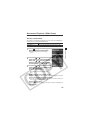
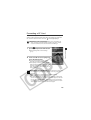
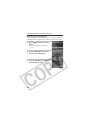
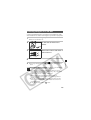
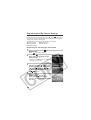
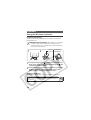
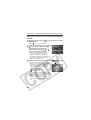
Turn the mode dial to
.
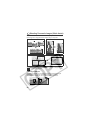
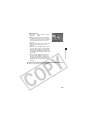
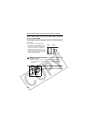
The LCD monitor (or viewfinder) displays the
maximum recording time (in seconds).
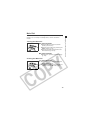
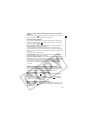
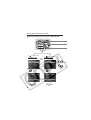
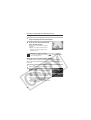
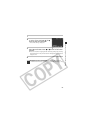
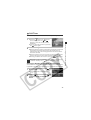
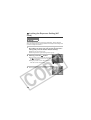
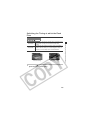
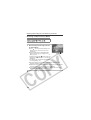
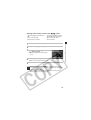
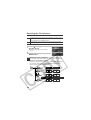
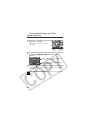
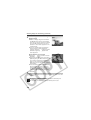
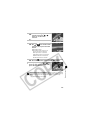
2
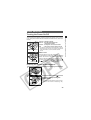
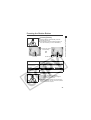
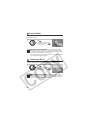
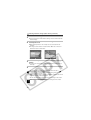
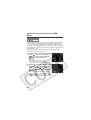
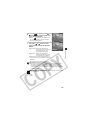
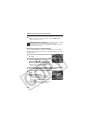
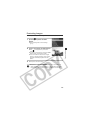
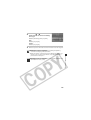
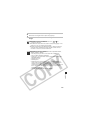
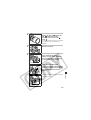
Press the shutter button all the way.
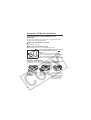
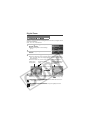
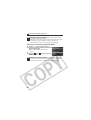
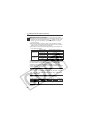
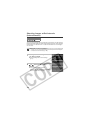
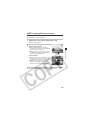
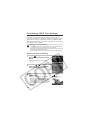
3
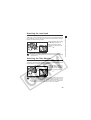
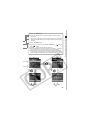
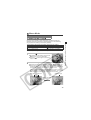
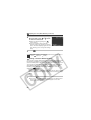
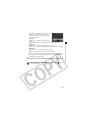
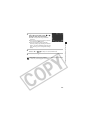
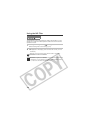
Press the shutter button all the way to stop
recording the movie.
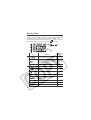
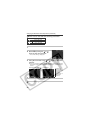
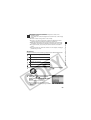
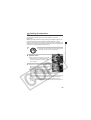
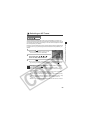
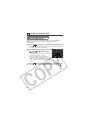
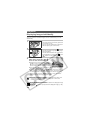
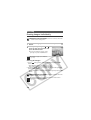
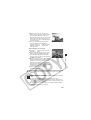
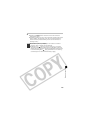
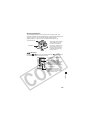
z Shooting and sound recording starts simultaneously.
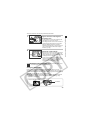
z During shooting a red circle appears in the upper right of the LCD
monitor (or viewfinder).
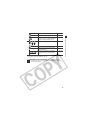
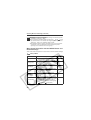
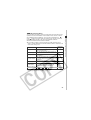
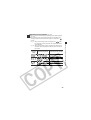
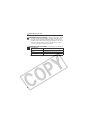
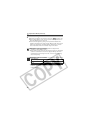
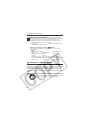
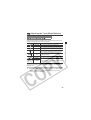
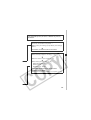
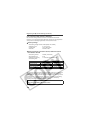
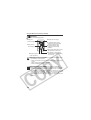
z The maximum length of individual movie clips (15 frames/second)
is about 30 seconds* at the
setting and 3 minutes at the
and
settings. (The data reflects Canon’s testing standard. The
actual figures will vary according to the shooting subjects and
conditions.) The clip will end automatically after this time elapses
or when the CF card becomes full.
* Using the following CF cards:
• Supplied FC-64MH CF Card
• Separately sold Canon FC-256MH or FC-512MSH CF Card (not sold
in some regions)
71
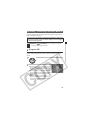
Shooting – Letting the Camera Select Settings
1