1
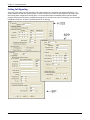
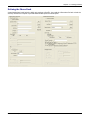
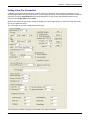
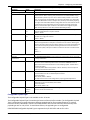
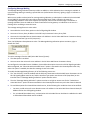
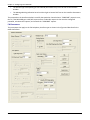
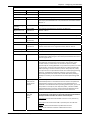
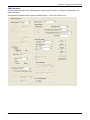
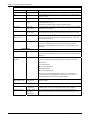
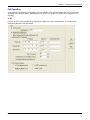
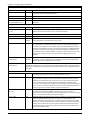
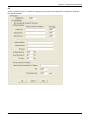
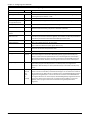
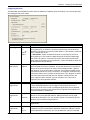
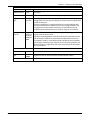
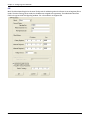
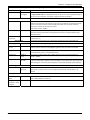
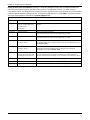
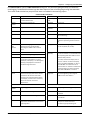
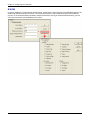
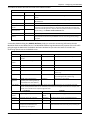
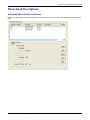
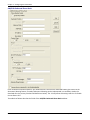
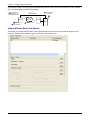
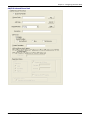
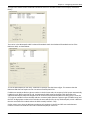
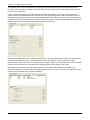
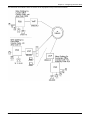
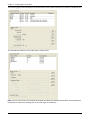
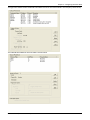
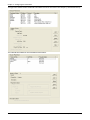
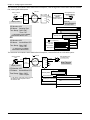
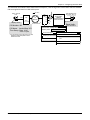
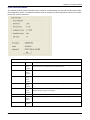
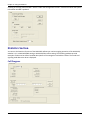
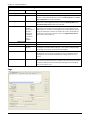
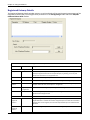
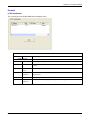
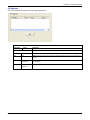
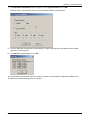
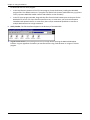
Chapter 5 – Configuring the Phone Book The following figure shows Outbound Phone Book entries for the VOIP located in the company’s London facility. The Inbound Phone Book for the London VOIP is shown below. Note: You can use commas in the Inbound Phonebook, but not in the Outbound Phonebook. Commas denote a brief pause for a dial tone, allowing time for the PBX to get an outside line. 102 MultiVOIP® Voice/Fax over IP Gateways