1
DES-3226S Layer 2 Switch CLI Reference
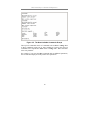
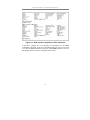
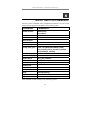
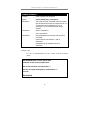
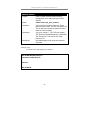
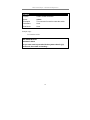
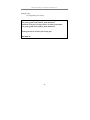
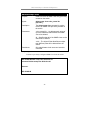
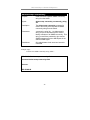
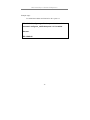
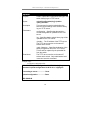
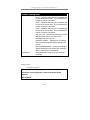
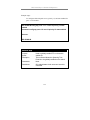
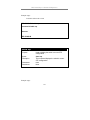
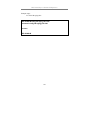
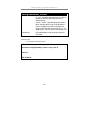
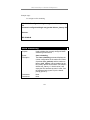
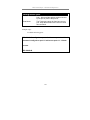
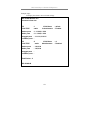
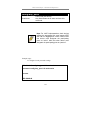
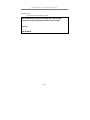
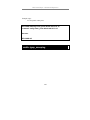
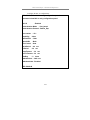
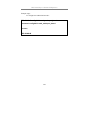
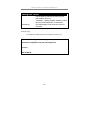
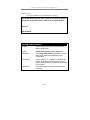
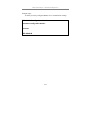
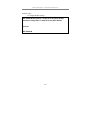
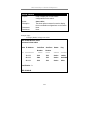
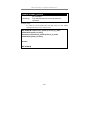
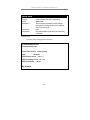
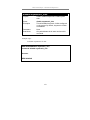
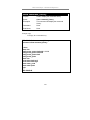
Example usage:
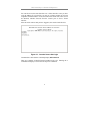
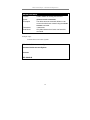
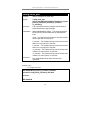
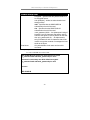
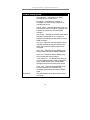
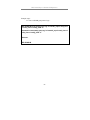
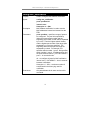
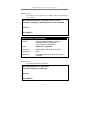
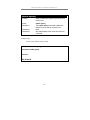
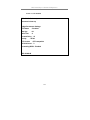
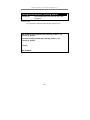
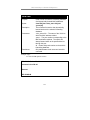
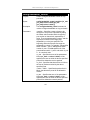
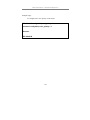
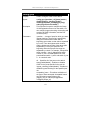
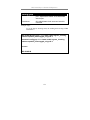
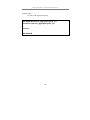
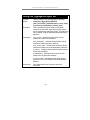
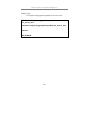
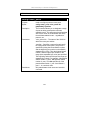
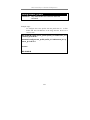
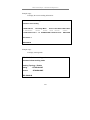
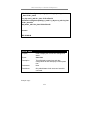
To configure traffic scheduling:
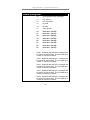
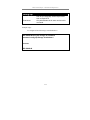
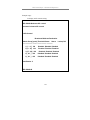
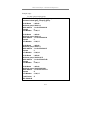
DES-3226S:4# config scheduling 0 max_packet 100 max_latency
150
Command: config scheduling 0 max_packet 100 max_latency 150
Success.
DES-3226S:4#
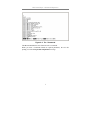
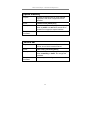
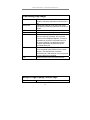
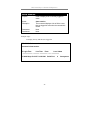
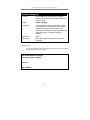
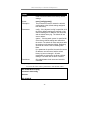
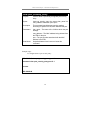
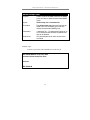
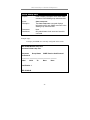
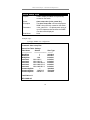
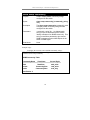
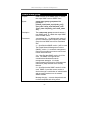
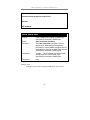
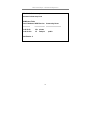
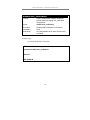
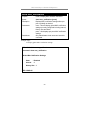
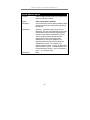
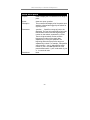
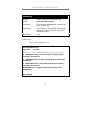
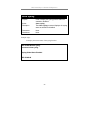
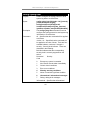
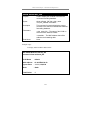
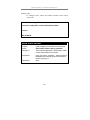
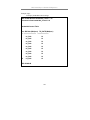
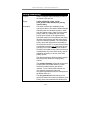
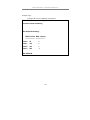
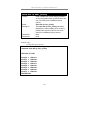
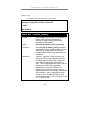
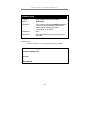
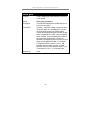
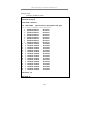
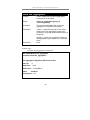
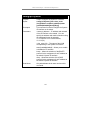
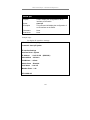
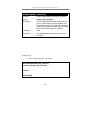
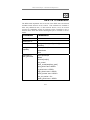
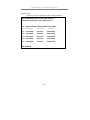
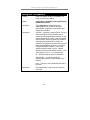
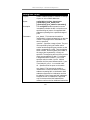
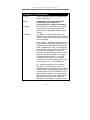
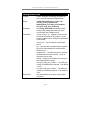
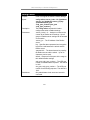
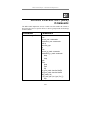
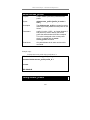
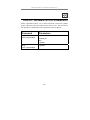
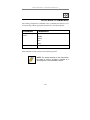
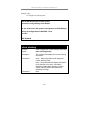
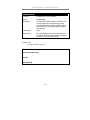
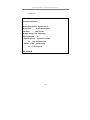
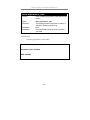
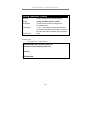
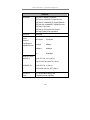
show scheduling
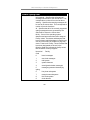
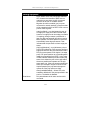
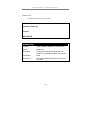
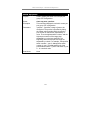
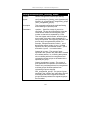
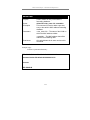
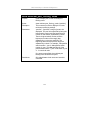
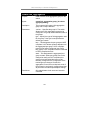
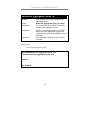
Purpose
Used to display the currently configured traffic
scheduling on the switch.
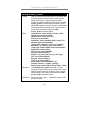
Syntax
show scheduling
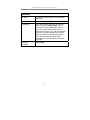
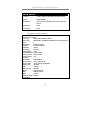
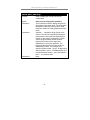
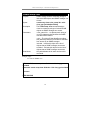
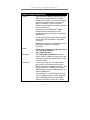
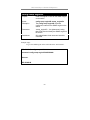
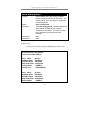
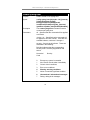
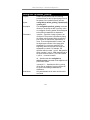
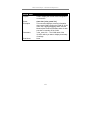
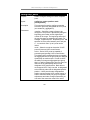
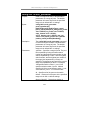
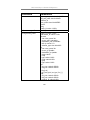
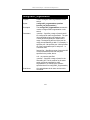
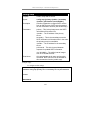
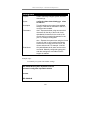
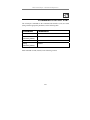
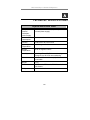
Description
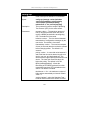
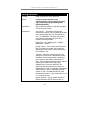
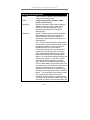
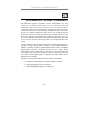
The show scheduling command displays the
current configuration for the maximum number
of packets (max_packets) and the maximum
latency (max_latency) values assigned to the
four priority queues on the switch. The switch’s
default max_latency = 0. At this value, it will
empty the four hardware queues in order, from
the highest priority (queue 3) to the lowest
priority (queue 0).
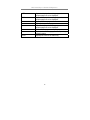
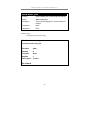
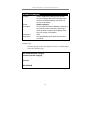
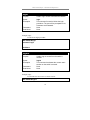
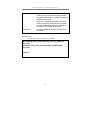
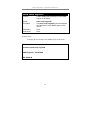
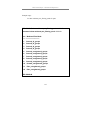
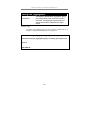
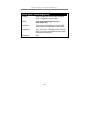
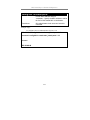
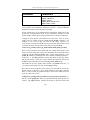
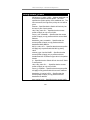
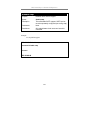
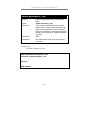
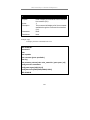
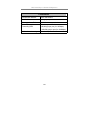
Parameters
None.
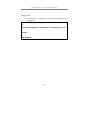
Restrictions
None.
152