1
DES-3226S Layer 2 Switch CLI Reference
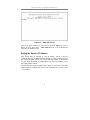
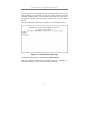
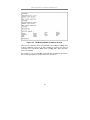
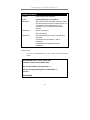
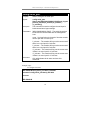
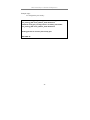
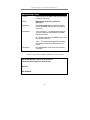
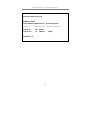
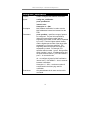
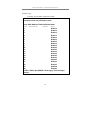
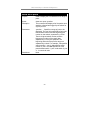
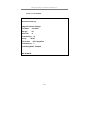
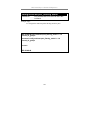
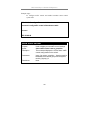
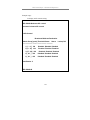
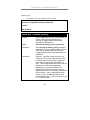
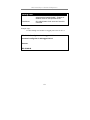
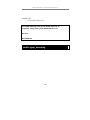
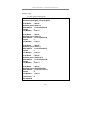
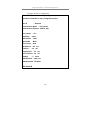
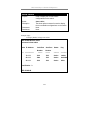
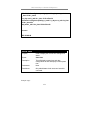
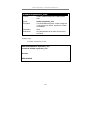
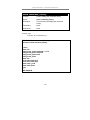
Figure 1-1. Initial CLI screen
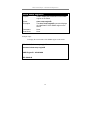
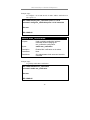
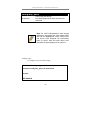
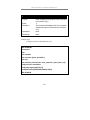
There is no initial username or password. Just press the Enter key twice to
display the CLI input cursor − DES-3226S:4#. This is the command line
where all commands are input.
Setting the Switch’s IP Address
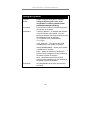
Each Switch must be assigned its own IP Address, which is used for
communication with an SNMP network manager or other TCP/IP application
(for example BOOTP, TFTP). The switch’s default IP address is 10.90.90.90.
You can change the default Switch IP address to meet the specification of your
networking address scheme.
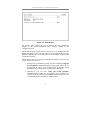
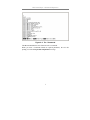
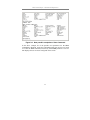
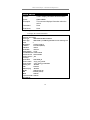
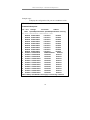
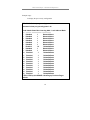
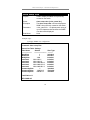
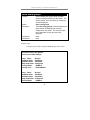
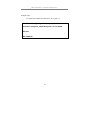
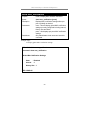
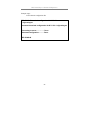
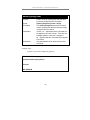
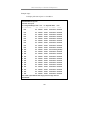
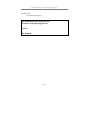
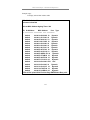
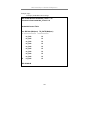
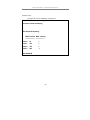
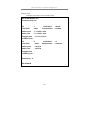
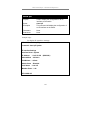
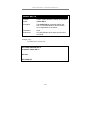
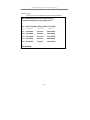
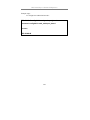
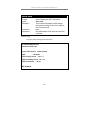
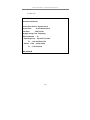
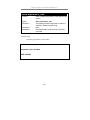
The switch is also assigned a unique MAC address by the factory. This MAC
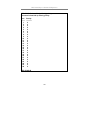
address cannot be changed, and can be found on the initial boot console screen
– shown below.
2