1
3
3-8
4.
Color Calibration
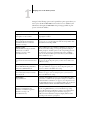
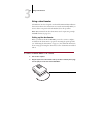
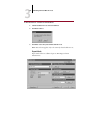
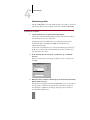
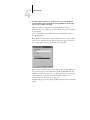
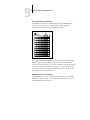
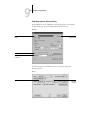
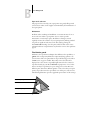
Insert the arrow end of the X-Rite Auto-Cal Strip into the 35mm slot on the
front of the X-Rite DTP32 until it stops or the roller starts pulling the strip.
Reading appears momentarily, followed by the density values and
CALIBRATION OK. The densitometer automatically returns to the MAIN MENU.
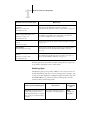
If UNRECOGNIZABLE STRIP appears, repeat the process or try cleaning the strip
(see the X-Rite DTP32 Operating Manual).
5.
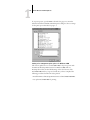
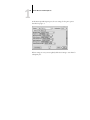
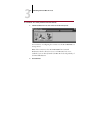
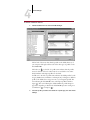
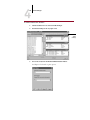
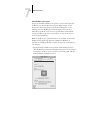
Start ColorWise Pro Tools and proceed to calibrate the iR C2100/2100S (see
the next section).
Recalibrate the densitometer at least once per month. For critical color,
calibrate the densitometer every time you calibrate the iR C2100/2100S. The
densitometer may also warn periodically that it requires calibration.
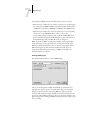
Calibrating with ColorWise Pro Tools
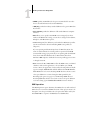
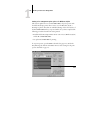
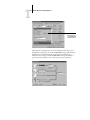
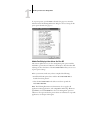
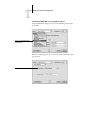
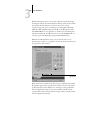
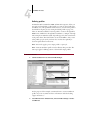
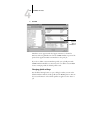
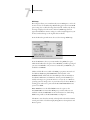
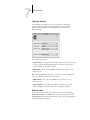
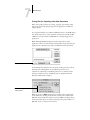
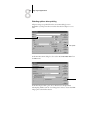
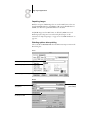
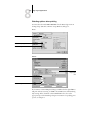
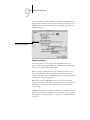
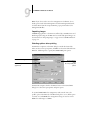
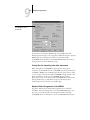
Using the densitometer or ReaderCal, you can quickly measure color patches
and download these measurements to the iR C2100/2100S using
ColorWise Pro Tools Calibrator.
N OTE : Multiple users can be connected to one server with
ColorWise Pro Tools, but only one user at a time can use Calibrator. An error
message appears if you try to calibrate when another user is already using
ColorWise Pro Tools to calibrate.
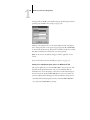
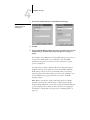
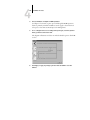
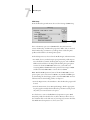
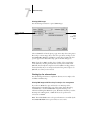
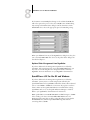
ColorWise Pro Tools for Windows and Mac OS computers are
fundamentally the same; differences are noted in this chapter. The windows
and dialog boxes you see illustrated are the Windows version.
N OTE : Changing the calibration has the potential to affect all jobs for all
users, so you may want to limit the number of people authorized to perform
calibration. An Administrator password can be set from the iR C2100/2100S
Control Panel to control access to calibration.