1
UC360 User Guide
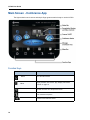
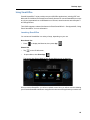
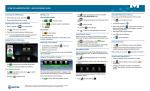
Main Screen - Conference App
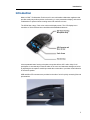
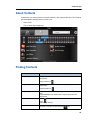
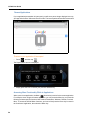
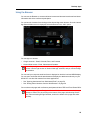
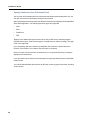
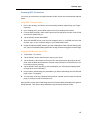
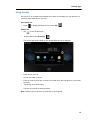
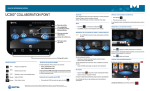
The high-resolution touch screen and simple finger gestures make it easy to use the UC360.
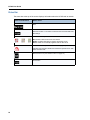
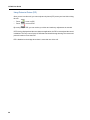
Function Keys
Function Button
Home
Menu
Press to ...
Go to the Home screen
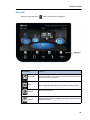
Display the Menu bar. See the “App, Display and Camera
Controls” on page 16
Back
Go back one menu or to the previous screen
Mute
Turn on/off the microphone
Volume
Increase or decrease the volume
14