1
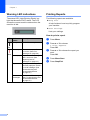
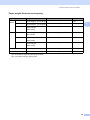
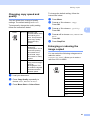
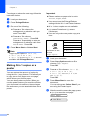
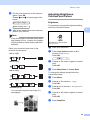
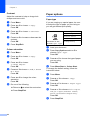
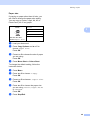
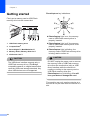
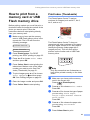
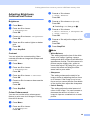
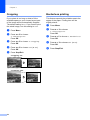
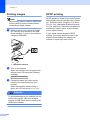
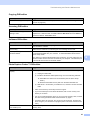
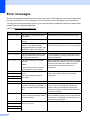
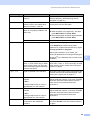
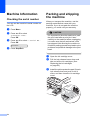
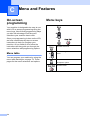
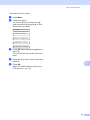
Chapter 1 Warning LED indications The status LED (Light Emitting Diode) is a light that shows the DCP status. The LCD shows the current machine status when the machine is idle. 1 Printing Reports 1 The following reports are available: Help List A help list about how to quickly program your machine. User Settings Lists your settings. How to print a report LED DCP status Description Ready The DCP is ready for use. a b Press Menu. c Press a or b to choose the report you want. Press OK. d e Press Mono Start. Off Red 8 Cover open The cover is open. Close the cover. (See Error messages on page 58.) Ink empty Replace the Ink cartridge with a new one. (See Replacing the ink cartridges on page 63.) Paper error Put paper in the tray or clear the paper jam. Check the LCD message. (See Troubleshooting and Routine Maintenance on page 55.) Other messages Check the LCD message. (See Troubleshooting and Routine Maintenance on page 55.) Press a or b to choose 3.Print Reports. Press OK. Press Stop/Exit. 1