1
Loading documents and paper
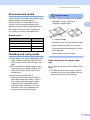
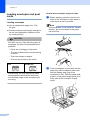
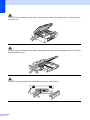
If you have problems when printing on
envelopes, try the following suggestions:
a
b
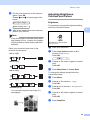
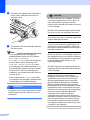
Open the envelope flap.
c
Adjust the size and margin in your
application.
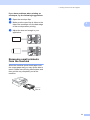
2
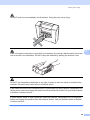
Make sure the open flap is either to the
side of the envelope or to the back edge
of the envelope when printing.
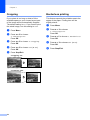
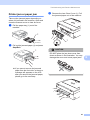
Removing small printouts
from the machine
2
2
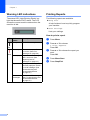
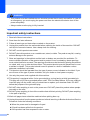
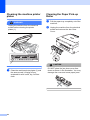
When the machine ejects small paper onto
the output paper tray you may not be able to
reach it. Make sure printing has finished, and
then pull the tray completely out of the
machine.
17