1
Chapter 7
Maintenance Mode
Topics in this chapter
Overview . . . . . . . . . . . . . . . . . . . . . . . . . . . . . . . . . . . . . . . . . . . . . . . . . . . . . . . . . . . . . . . . 95
Maintenance Mode CLI Operation . . . . . . . . . . . . . . . . . . . . . . . . . . . . . . . . . . . . . . . . . . . . 97
Overview
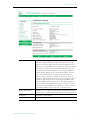
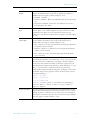
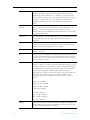
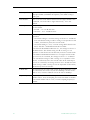
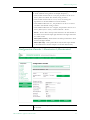
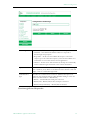
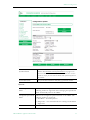
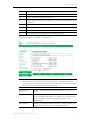
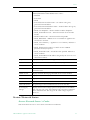
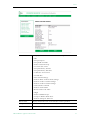
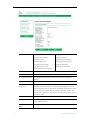
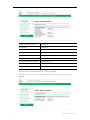
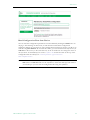
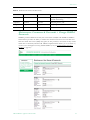
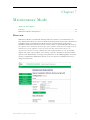
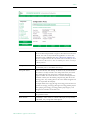
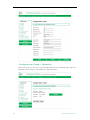
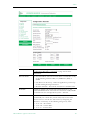
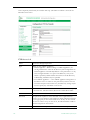
Maintenance Mode is automatically launched when the software on the VBrick does not
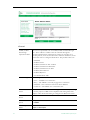
boot. Maintenance Mode runs from a reduced functioning kernel that provides a limited CLI
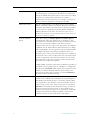
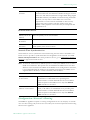
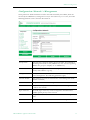
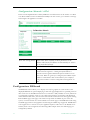
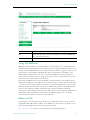
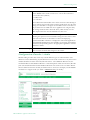
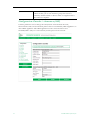
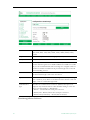
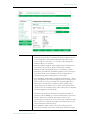
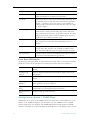
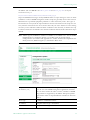
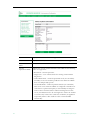
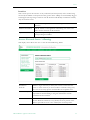
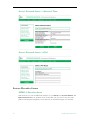
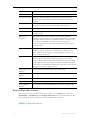
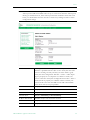
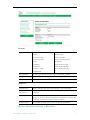
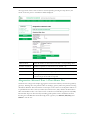
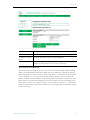
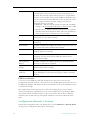
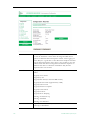
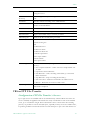
and IWS interface. The Maintenance Mode interfaces provide minimal configuration
capabilities. Maintenance Mode can also be used as a means of downloading new firmware. If
your appliance enters maintenance mode during or after a firmware download you can simply rerun the
download and reset the appliance to return to normal run mode. Maintenance Mode is an
operational mode that in which a VBrick runs with a reduced subset of code. It normally
happens only when a power failure occurs during a software download. It provides limited
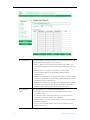
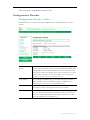
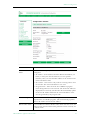
capacity of the IWS interface to manage some parameters of the VBrick appliance. Note that
security is maintained in Maintenance Mode, so the user must be at administrator level to
change the parameters.
VBrick MPEG-2 Appliance Admin Guide
95