1
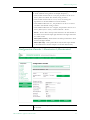
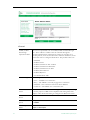
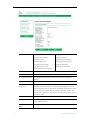
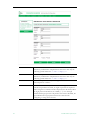
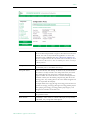
Diagnostics
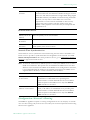
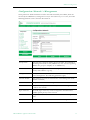
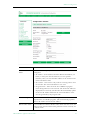
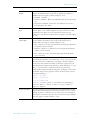
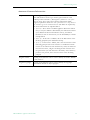
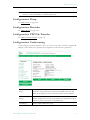
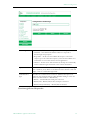
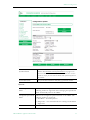
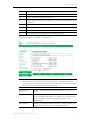
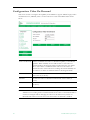
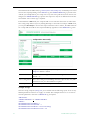
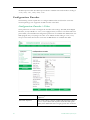
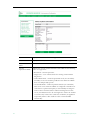
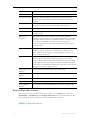
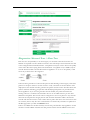
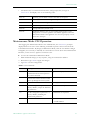
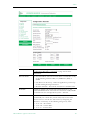
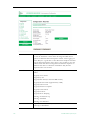
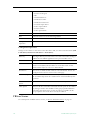
Operational State
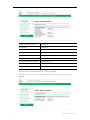
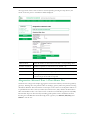
The currently selected test.
Address Mode
Select IP Address or Host Name and enter a corresponding value.
IP Address or Host
Name
Enter the information in the corresponding box.
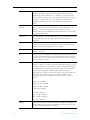
Probe Count
Can be set from 3 to 20. The default setting is 3. This setting is the
number of probe packets sent to a host at each hop.
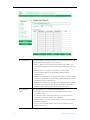
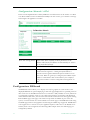
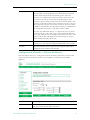
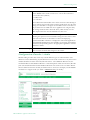
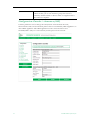
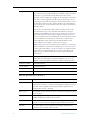
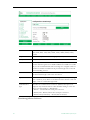
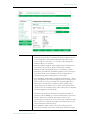
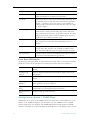
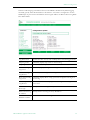
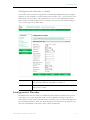
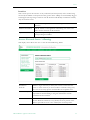
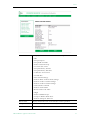
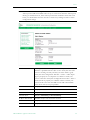
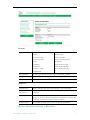
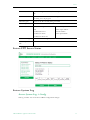
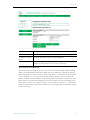
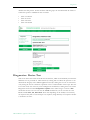
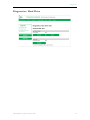
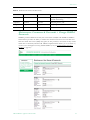
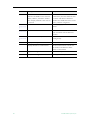
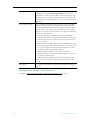
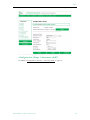
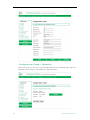
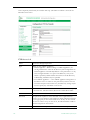
Trace Route Test Results
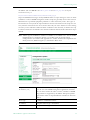
The results of the test appear at the top of the screen. The results include the Resolved IP
Address of the Destination Host Name. When the test is finished or stopped, the Overall
Result will display the result of the test, such as "Test Done," or "Max hops (=30) Finished,"
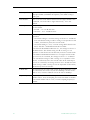
or "Test Stopped," etc. An entry shows the hop number, which is equal to the TTL, IP
address (and Host Name if available) of the gateway, and round trip time of each probe. If the
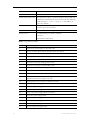
probe answers are received from different gateways, the address of each responding system
will be shown. If there is no response within a 5 second timeout interval, a "*" is printed for
that probe. If the result string exceeds 255 characters, the string will be terminated by ending
it with "Too Long."
VBrick MPEG-2 Appliance Admin Guide
81