1
2.5.2
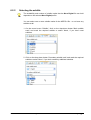
Selecting a Nero Digital profile
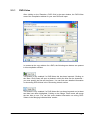
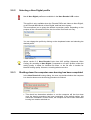
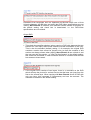
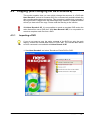
Not all Nero Digital profiles are available in the Nero Recode 2 CE version.
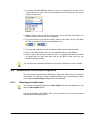
This profile is only available when the 'Recode DVDs and videos to Nero Digital',
or the 'Recode Main Movie to Nero Digital' task has been chosen.
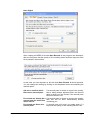
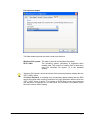
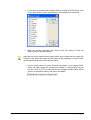
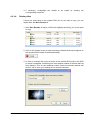
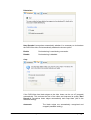
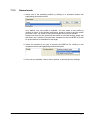
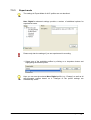
This area allows you to select the desired conversion profile. Depending on the
purpose of the converted DVD title, the size of the final result can vary.
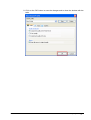
You can change the profile by clicking on the dropdown button and selecting the
desired profile.
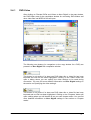
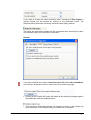
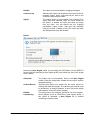
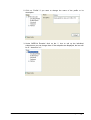
Above version 2.2, Nero Recode 2 also has AVC profiles (Advanced Video
Coding) for encoding to Nero Digital. Compared to non-AVC profiles, either the
coding quality is better for identical file sizes, or the file size is smaller for
identical coding quality. However, encoding takes more time.
2.5.3
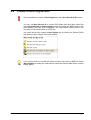
Shutting down the computer once burning has been completed
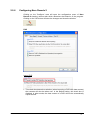
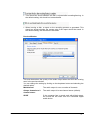
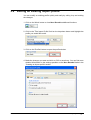
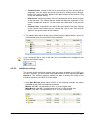
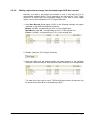
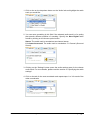
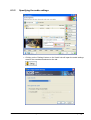
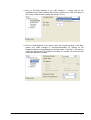
In the Nero Recode 2 burning dialog, the user can decide whether the computer
is to be shut down once the burning procedure is finished.
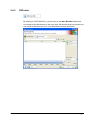
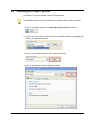
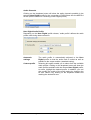
This check box determines whether or not the computer will be shut down
once the burning procedure has been completed. In the default setting, this
check box is disabled. In other words, the computer will not be shut down after
burning but remains switched on.
Nero Recode
The Nero Recode 2 interface • 21