1
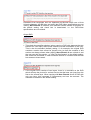
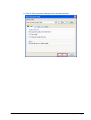
Audio Channels
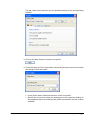
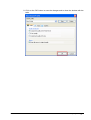
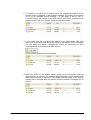
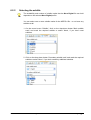
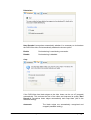
Clicking on the dropdown button will show the audio channels possible in the
selected Nero Digital profile for the conversion of DVD-Videos into the MPEG-4
format (see the section on 'Selecting a Nero Digital profile').
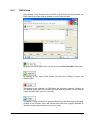
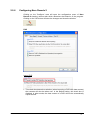
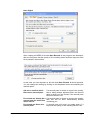
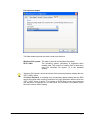
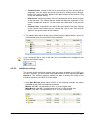
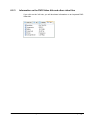
Nero Digital Audio Profile
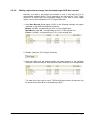
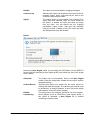
Depending on the Nero Digital profile chosen, 'audio profile' defines the audio
profile used during data conversion.
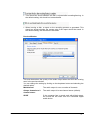
Nero Recode
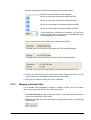
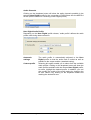
Automatic
settings
The audio profile is automatically adjusted to the Nero
Digital profile so that the audio track is suited as well as
possible to the output medium (standard setting).
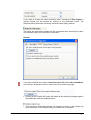
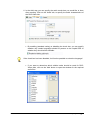
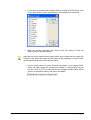
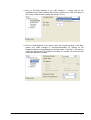
Custom profile
Selecting this option enable you to select from the available
audio profiles. Clicking on the dropdown button will show the
audio profiles available with the chosen Nero Digital profile;
to select, highlight the desired profile. In addition, you can
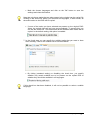
also modify the quality of the audio tracks by changing the
bit rate. Select it by clicking on the dropdown button and
marking the desired bit rate.
Converting DVD-Videos and other video files to MPEG-4 files with Nero Digital • 69