1
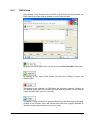
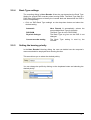
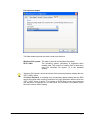
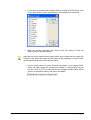
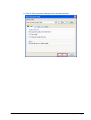
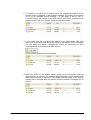
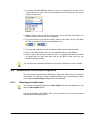
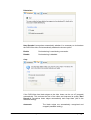
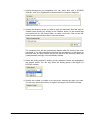
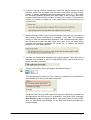
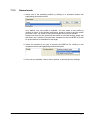
If you would like to change the priority that Nero Recode 2 has (in comparison
to other programs that are running at the same time) then click on the
dropdown button and select another option.
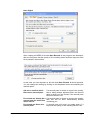
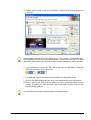
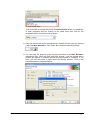
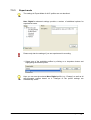
8. Once you have made all the settings there is nothing more to stop you burning
a disc with Nero Recode 2. Click on the 'Burn' button to start the process.
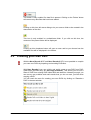
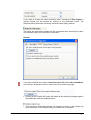
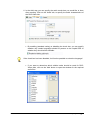
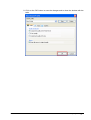
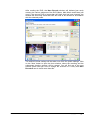
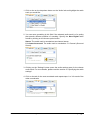
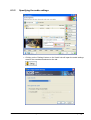
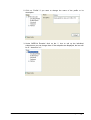
9. You can trace the progress of the copying procedure in the Nero Recode 2
information field. Once the DVD has been burned, it will be ejected and a
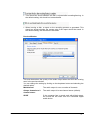
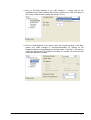
window will appear to indicate that the burning process is complete. If you
want, you can also store a report about the burning process. Click on the
selected button to close the window.
Nero Recode
Burning a disc • 75