1
Renesas Flash Programmer V2.05
2.6
CHAPTER 2 FUNCTION DETAILS (BASIC MODE)
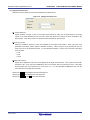
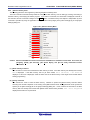
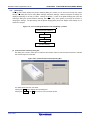
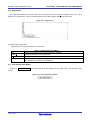
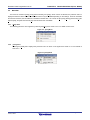
[Program File] Area
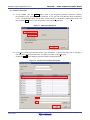
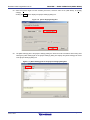
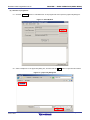
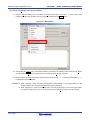
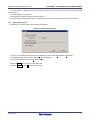
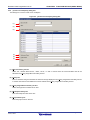
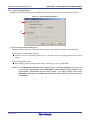
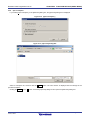
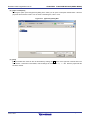
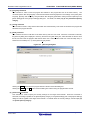
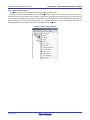
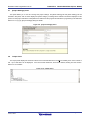
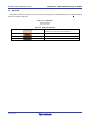
This area displays the selected program file. Clicking the Browse... button opens the [Open File] dialog box. Move to
a desired folder and select a program file (*.hex;*.mot;*.s*;*.rec).
Figure 2-35. [Program File] Area
Figure 2-36. [Open File] Dialog Box
2.7
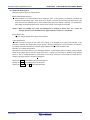
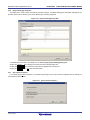
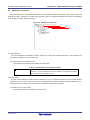
[Command] Area
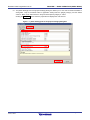
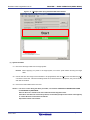
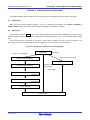
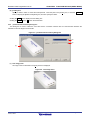
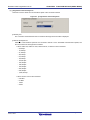
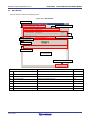
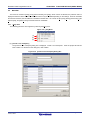
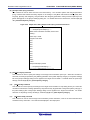
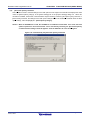
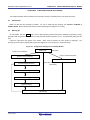
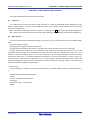
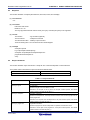
The command area displays the command selected on the [Microcontroller] menu.
Figure 2-37. Command Area
R20UT2907EJ0202 Rev. 2.02
Jul 01, 2015
Page 44 of 61