1
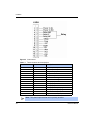
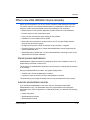
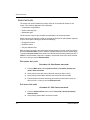
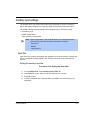
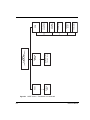
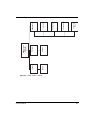
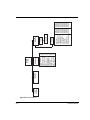
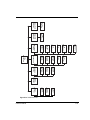
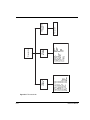
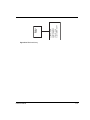
Auxiliary input settings
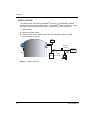
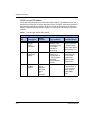
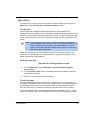
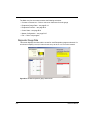
The auxiliary input is an option for the HART level transmitter to receive a frequency
signal. With special software, the frequency signal incorporates into the final output.
The software provides special settings for three typical uses of a frequency input:
• Summation mode
• NORM compensation
• Vapor pressure compensation
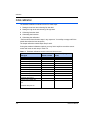
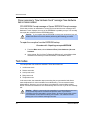
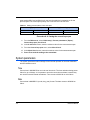
Note: Refer to Appendix B: “Special applications” for complete application
information on using the following compensation methods:
l
Summation
l
NORM
l
Vapor pressure
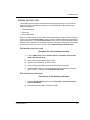
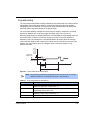
Input filter
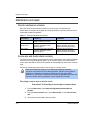
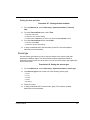
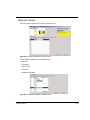
Input filter is the auxiliary input signal with application of the time constant. The filter type
(RC or rectangular window) applied to the auxiliary input is the same as the primary
channel.
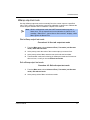
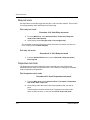
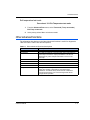
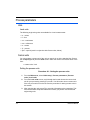
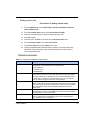
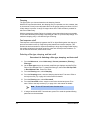
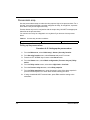
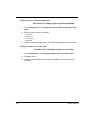
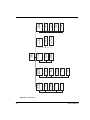
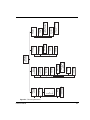
Setting the auxiliary input filter
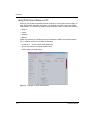
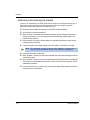
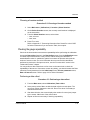
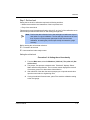
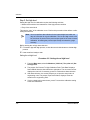
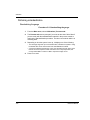
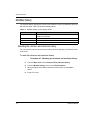
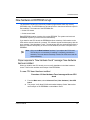
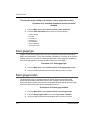
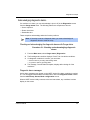
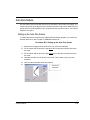
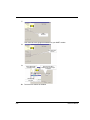
Procedure A.18: Setting the input filter
1.
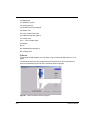
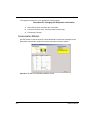
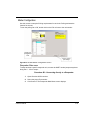
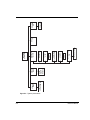
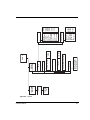
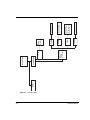
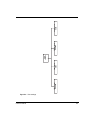
From the Main menu, select Auxiliary input | Filter TC.
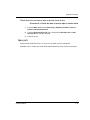
2.
In the Filter TC screen, input the value for the filter time constant.
3.
Press F2 to enter.
4.
If using a hand-held HART Communicator, press F2 to send the setting to the
transmitter.
LSGH User Manual
A-17