1
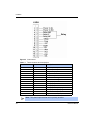
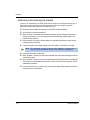
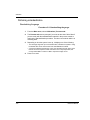
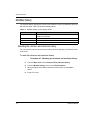
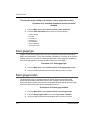
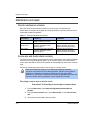
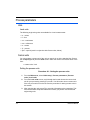
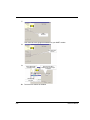
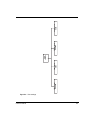
Setting the time and date
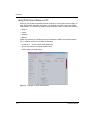
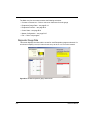
Procedure A.7: Setting the time and date
1.
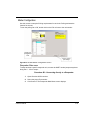
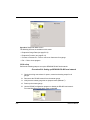
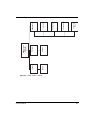
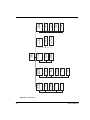
From the Main menu, select Initial setup | System parameters | Time and
Date.
2.
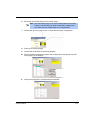
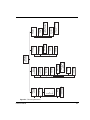
From the Time and Date menu, select Time.
• Enter the current time.
• Press F2 to save the time setting.
• Press the LEFT ARROW key to return to the previous Time and Date screen.
3.
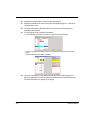
From the Time and Date screen, select Date.
• Enter the current Date.
• Press F2 to save the date setting.
4.
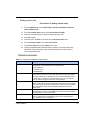
If using a hand-held HART Communicator, press F2 to send the updated
parameters to the transmitter.
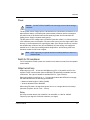
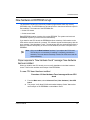
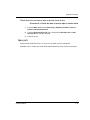
Source type
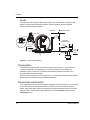
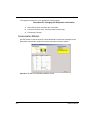
Use the Source type feature to view or enter the isotope in the source holder that
produces the radiation signal. The VEGA factory enters this parameter based on
information received at the time of the order. You can check the isotope type against the
source holder label.
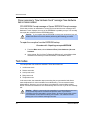
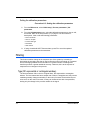
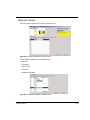
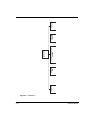
Procedure A.8: Setting the source type
1.
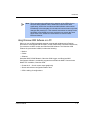
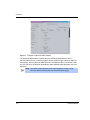
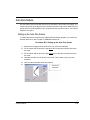
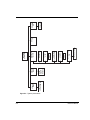
From the Main menu, select Initial setup | System parameters | Source type.
2.
In the Source type screen, select one of the following source types:
•
•
•
•
•
Cs 137
Co 60
Am 241
Cf 252
No source
3.
Press F2 to enter.
4.
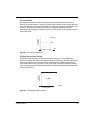
If using a hand-held HART communicator, press F2 to send the updated
parameters to the transmitter.
LSGH User Manual
A-9