1
Networked Occupancy Sensor System
3 Navigating the Mobile Website
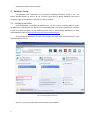
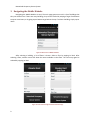
Navigating the Mobile Website is easy! The main page greets users with a list of buildings that
they can choose from. If there are many buildings, they can be scrolled by swiping a finger from bottom
to top to reveal more, or by going top to bottom to go back to the top. To select a building, simply tap its
name.
Figure 9: Main Screen of Mobile Website
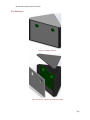
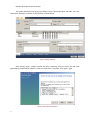
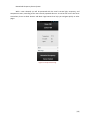
After selecting a building, a list of floors is shown. Select a floor by tapping its label. After
selecting a floor, another screen will show the rooms available on that floor. The room may again be
selected by tapping its label.
Figure 10: Floor Selection Page and Room Selection Page
9