1
Creating projects
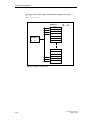
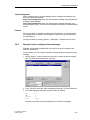
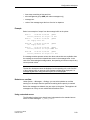
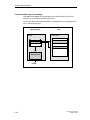
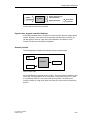
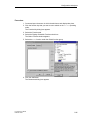
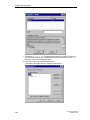
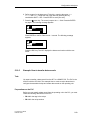
Example:
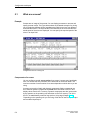
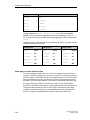
Tag VAR_4 will be renamed VAR_11 if tags VAR_1 through VAR_10 already exist
in the destination project.
What is copied?
You can copy the following via the clipboard:
•
All objects listed in the project window, such as screens, text or graphic lists,
tags etc.
•
Objects from screens (trends, fields, graphics etc.) in the screen editor.
•
Messages and objects from messages (message text, fields, info text etc.) in
the message editor.
An object is copied complete with its attributes and all cross-referenced objects.
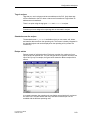
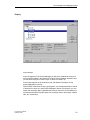
Special situations encountered during copying are reported in the system message
window under Clipboard. This gives you information about any objects that have
not been copied or renamed, for example.
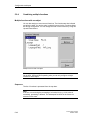
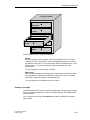
Special situation with screens
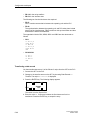
If the object to be copied refers to a screen that does not exist in the destination
project, the underlying screen is not copied; instead a blank screen is created as a
dummy if the destination project does not contain a screen that can be reused.
This ensures that you will not copy the complete source project by mistake along
with the start screen.
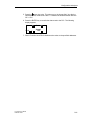
Afterward, when you paste the screen via the clipboard, the dummy screen in the
destination project will be automatically replaced by the proper screen.
What is not copied?
These objects are not copied:
4-12
•
Objects that are unknown in the destination project (such as functions or
command buttons when copying from TP27 to OP27)
•
Area pointers
•
Global function key assignments
•
Character sets
•
In the case of multilingual projects, only the languages available in the
destination project are copied. No new languages will be created.
ProTool User’s Guide
Release 12/99