1
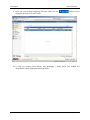
Master Controller 5.9.3
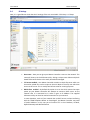
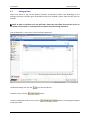
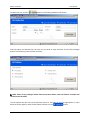
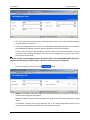
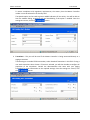
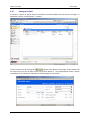
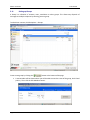
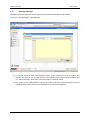
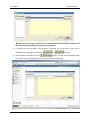
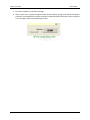
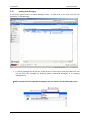
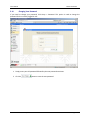
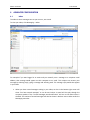
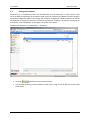
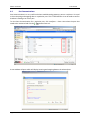
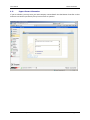
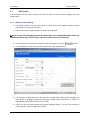
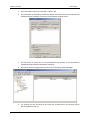
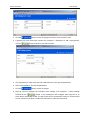
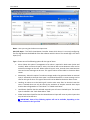
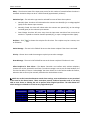
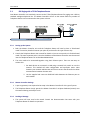
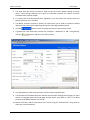
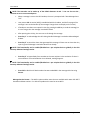
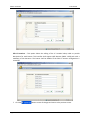
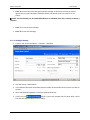
User Manual Sending a Message 1. Ensure all handsets are registered and logged onto the Kirk 600v3 system. This process is normally done by the Kirk system administrator. Each user setup in the Kirk system has a “number” assigned. 2. This number can be viewed in the Kirk web interface. Open your web browser and type the IP address that you configured for Eth0 previously. Under the Administration menu, click Dect ‐> Users ‐> Show and the following screen will be shown. 3. For example the number for Johns Phone is 15. 4. Create a new contact. Recipients ‐> Contacts ‐> Add New. Page 110 © JTECH Communications, Inc.