1
Lesson 2 Using the Data Selector Tool
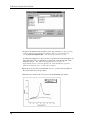
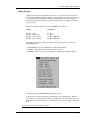
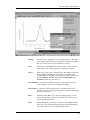
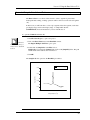
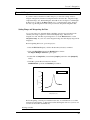
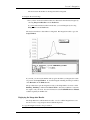
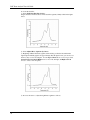
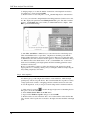
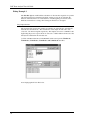
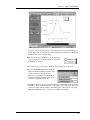
· To set the markers, double-click in the plot window, press Return (pressing the escape
key with your left index finger is equivalent to pressing Return and this allows you to
keep your right hand on the mouse), or click on any toolbar tool.
The markers are set, and the Pointer tool is re-selected (unless you selected a different
tool).
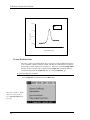
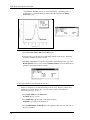
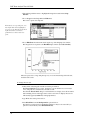
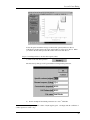
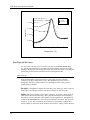
Any math, editing, or fitting operation now performed will affect only the selected plot
segment. For example, you could delete the segment.
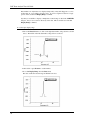
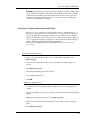
To delete the selected plot segment
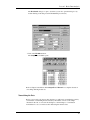
· Choose Cut or Clear from the Edit menu, or press the Delete key.
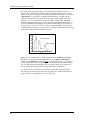
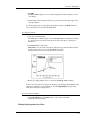
The selected plot segment is deleted from the plot window. The selected values are
also deleted from the SAMPLE2 worksheet.
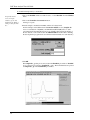
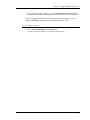
The data markers are removed. You may select Edit:Undo to replace the data.
25