1
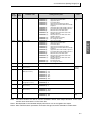
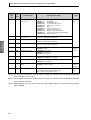
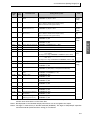
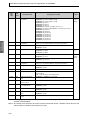
2.3 Detailed Description of the Services
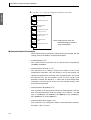
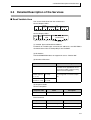
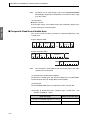
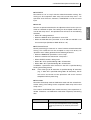
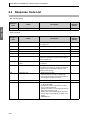
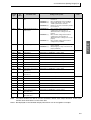
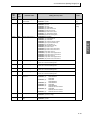
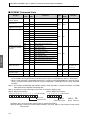
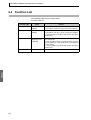
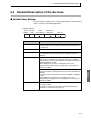
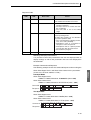
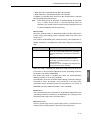
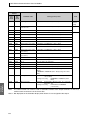
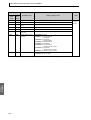
● RUN/STOP
Set control to “run” or “stop” with the related information setting. The
setting can be accepted in both setup area 0 and setup area 1. An
operation error will occur, however, if RUN/STOP is set for an event
input.
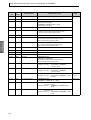
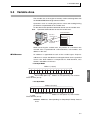
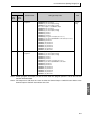
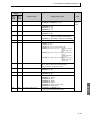
● Multi-SP
switch to a desired set point. The setting can be accepted in both setup
area 0 and setup area 1. An operation error will occur in the following
situations.
• When AT is being executed.
• When the Multi-SP Uses parameter is set to OFF.
• When the Multi-SP Uses parameter is set to ON but multi-SP is set
for an event input (Number of Multi-SP Uses > 0).
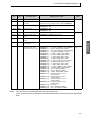
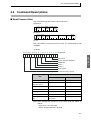
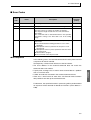
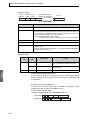
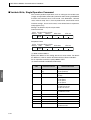
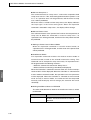
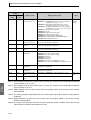
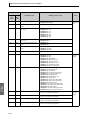
● AT Execute/Cancel
Set AT (auto-tuning) to “execute” or “cancel” with the related information
setting. This command can be accepted in setup area 0 only. An
“operation error” will be generated in the following instances:
• When the RUN/STOP parameter is set to “stop”
• When the command is executed in “setup area 1”
• When ON/OFF control is being used
• When 40% AT is specified during 100% AT execution.
• When 100% AT is specified during 40% AT execution.
In addition, a parameter error will occur if 40% AT is specified during
heating and cooling control.
Note:
If the same type of AT execution is specified during AT execution
(e.g., if 100% AT is specified during 100% AT execution), the AT
will not be restar ted and the operation will end in normal
completion with no processing.
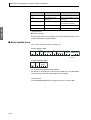
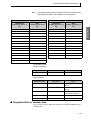
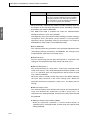
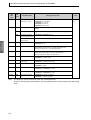
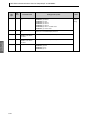
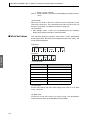
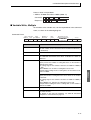
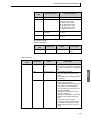
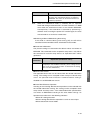
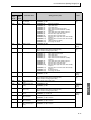
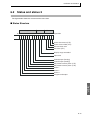
● Write Mode
Set either the backup mode or RAM write mode with the related information setting. The setting can be accepted in both setup area 0 and
setup area 1.
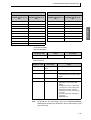
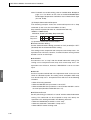
The number of EEPROM (non-volatile memory) write operations is
limited. Therefore, use RAM write mode when frequently overwriting
data.
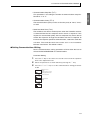
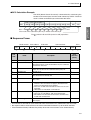
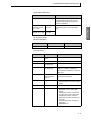
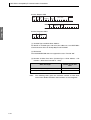
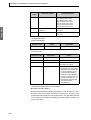
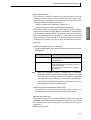
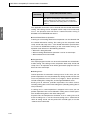
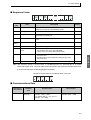
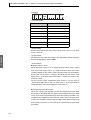
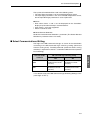
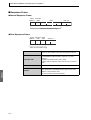
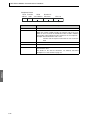
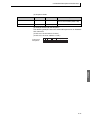
Write mode
Backup mode
Description
The data is written to EEPROM when the parameters in the operation/adjustment levels (excluding
read-only parameters) are written by communications.
2-21
CompoWay/F
Set four set points beforehand in the adjustment level so that you can