1
WizPLC CoDeSys User Guide
Wizcon Supervisor
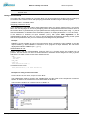
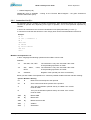
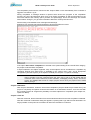
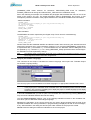
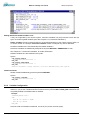
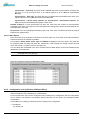
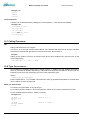
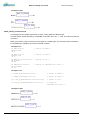
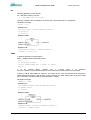
Regard for variables of type array or structure: You must enter the particular elements explicitly in
order to be able to preset them. Example: You have defined a structure with components a, b,c and
you have declared a structure variable struvar in PLC_PRG. For pre-allocating a,b,c with values, they
must be entered in the watchlist as follows:
PLC_PRG.struvar.a:=<value>
PLC_PRG.struvar.b:=<value>
PLC_PRG.struvar.c:=<value>
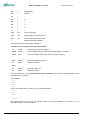
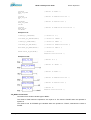
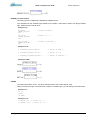
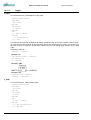
The presetting for the elements of an array must be done correspondingly. Example for an array
variable of type ARRAY[0...6]:
PLC_PRG.arr_var[0]:=<value>
PLC_PRG.arr_var[1]:=<value>
...
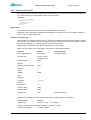
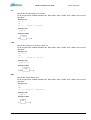
If a function block fb contains the variables x,y and an instance variable fb_inst of type fb is declared
in PLC_PRG, x and y can be pre-set like follows:
PLC_PRG.fb_inst.x:=<Wert>
PLC_PRG.fb_inst.y:=<Wert>
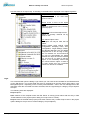
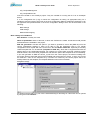
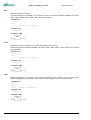
'Insert' 'New Watch List'
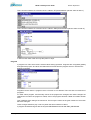
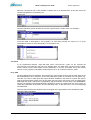
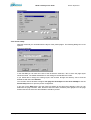
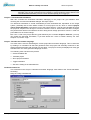
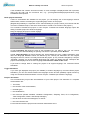
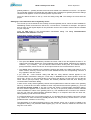
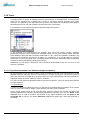
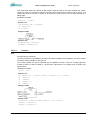
With this command in offline mode a new watch list can be inserted into the Watch and Receipt
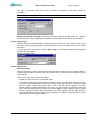
Manager. Enter the desired name for the watch list in the dialog box that appears.
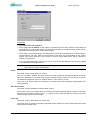
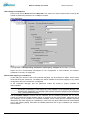
'Extras' 'Rename Watch List'
With this command you can change the name of a watch list in the Watch and Receipt Manager.
In the dialog box that appears, enter the new name of the watch list.
'Extras' 'Save Watch List'
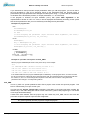
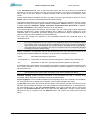
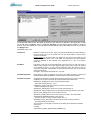
With this command you can save a watch list. The dialog box for saving a file is opened. The file
name is preset with the name of the watch list and is given the extension "*.wtc".
The saved watch list can be loaded again with 'Extras' 'Load Watch List'.
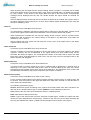
'Extras' 'Load Watch List'
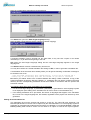
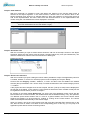
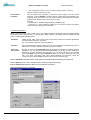
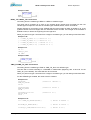
With this command you can reload a saved watch list. The dialog box is opened for opening a file.
Select the desired file with the "*.wtc" extension. In the dialog box that appears, you can give the
watch list a new name. The file name is preset without an extension.
With 'Extras' 'Save Watch List', you can save a watch list.
6.8.3
Watch and Receipt Manager in the Online Mode
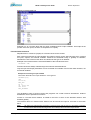
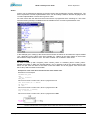
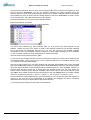
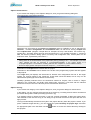
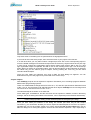
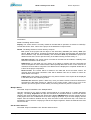
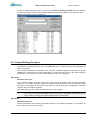
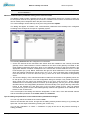
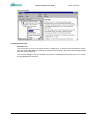
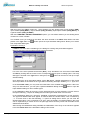
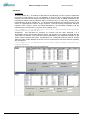
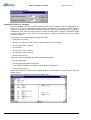
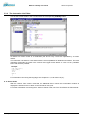
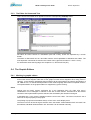
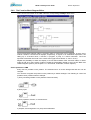
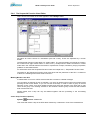
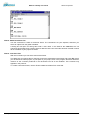
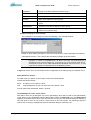
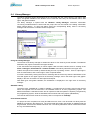
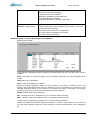
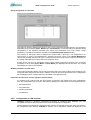
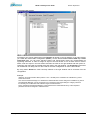
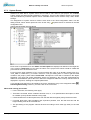
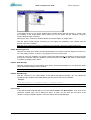
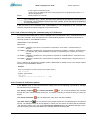
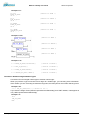
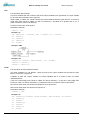
In Online mode, the values of the entered variables are indicated.
Structured values (arrays, structures, or instances of function blocks) are marked by a plus sign in
front of the identifier. By clicking the plus sign with the mouse or by pressing <Enter>, the variable is
opened up or closed. If a function block variable is marked in the watch list, the associated context
menu is expanded to include the two menu items 'Zoom' and 'Open instance'.
In order to input new variables, you can turn off the display by using the 'Extras' 'Active Monitoring'
command. After the variables have been entered, you can use the same command again to activate
the display of the values.
CoDeSys V2.3
6-58