1
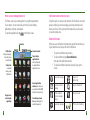
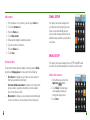
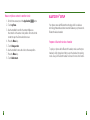
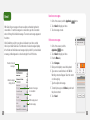
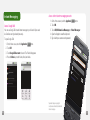
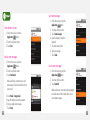
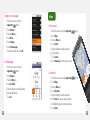
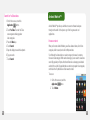
Move a myFaves contact to another circle
1. On the Home screen, touch the Application
button.
2. Touch myFaves.
3. Use the trackball to scroll to the contact. Make sure
the contact is in the center circle position. Do not touch the
contact to open the Communication screen.
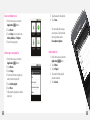
4. Press the Menu key.
5. Touch Change order.
6. Use the trackball to move the circle to the new position.
7. Press the Menu key.
8. Touch Add contact.
28
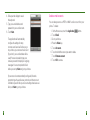
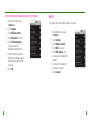
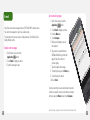
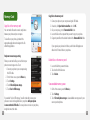
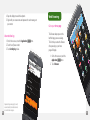
bluetooth ® Setup
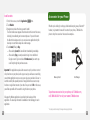
Your phone comes with Bluetooth technology, which is a wireless
technology that enables a data connection between your phone and a
Bluetooth wireless headset.
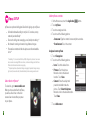
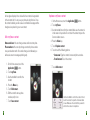
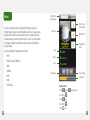
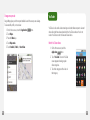
Prepare a Bluetooth wireless headset
To pair your phone with a Bluetooth headset, make sure that your
headset is fully charged and that you put the headset into pairing
mode. See your Bluetooth headset’s manual for more information.
29