1
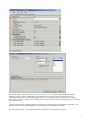
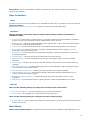
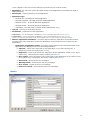
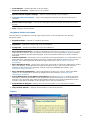
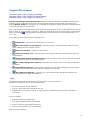
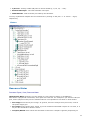
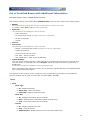
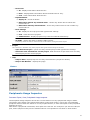
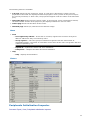
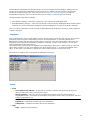
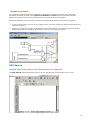
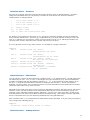
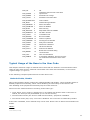
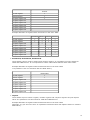
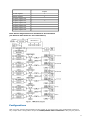
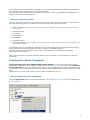
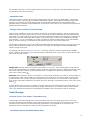
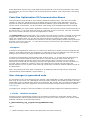
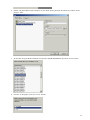
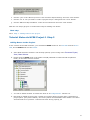
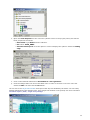
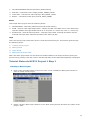
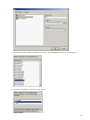
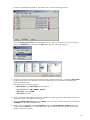
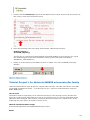
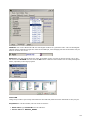
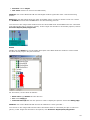
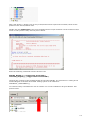
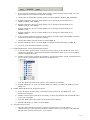
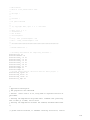
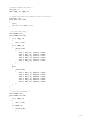
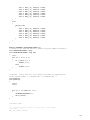
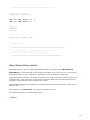
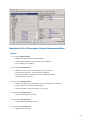
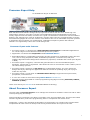
Code design process. The code design process generates all source code from beans and stores
files in the "Generated Code" folder in the CodeWarrior project window. The other modules can be
found in the "User modules" folder in the CodeWarrior project window. The generated code is
inserted only into the selected target in the 'Files' tab of the CodeWarrior project window. See the
picture below.
Next Step
Go to Step 4 - Adding On-Event Code
Tutorial Motorola 56800 Project 1 Step 4
Adding the On-Event Code
Task
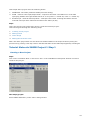
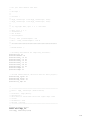
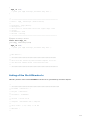
This step covers how to complete the project by writing the Interrupt Service Routine (ISR) that
services the IRQB button's external interrupt. This code is added to the file Events.c, which holds all
user code for events used in the project.
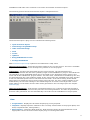
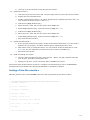
View of bean events and method
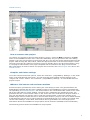
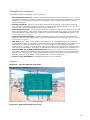
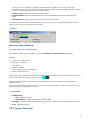
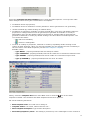
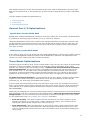
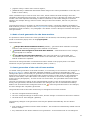
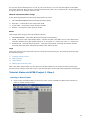
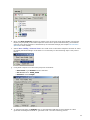
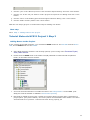
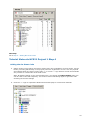
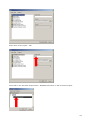
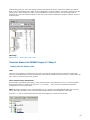
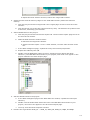
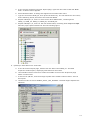
All the beans (including CPU beans) in the project panel are organized in a tree. You may expand
and collapse them by clicking on the plus "+" or minus "-" sign. There are all bean events and
methods in the tree under bean.
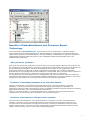
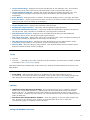
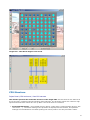
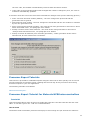
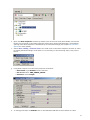
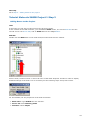
Note: By double-clicking on any event/method icon, you change its enable/disable state (you can do it
also in the bean inspector). Then, click the Code Design option to code design the code again.
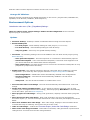
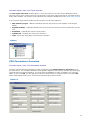
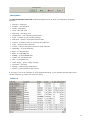
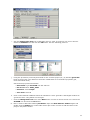
Click the "+" sign to expand the Button bean and display its events and methods.
109