1
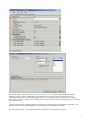
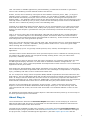
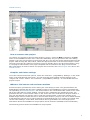
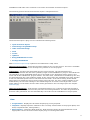
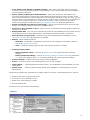
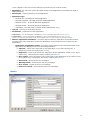
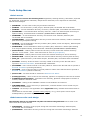
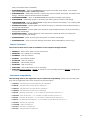
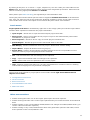
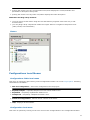
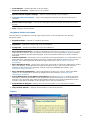
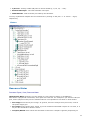
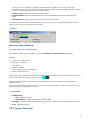
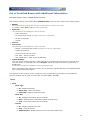
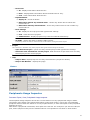
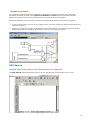
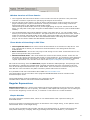
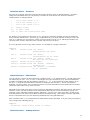
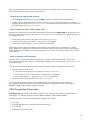
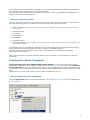
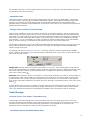
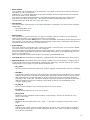
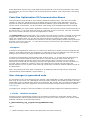
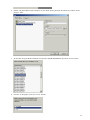
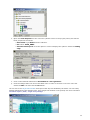
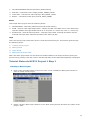
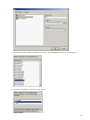
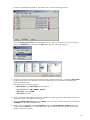
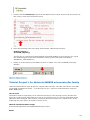
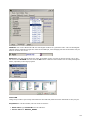
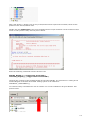
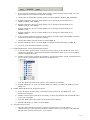
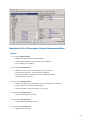
i. click the Change bean icon item of the Bean menu in order to choose a new icon in the list.
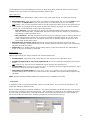
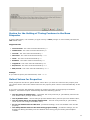
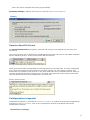
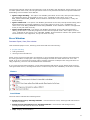
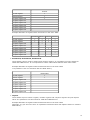
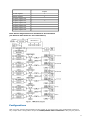
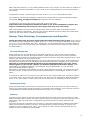
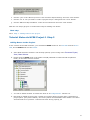
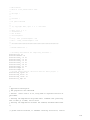
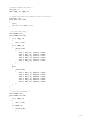
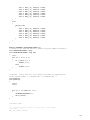
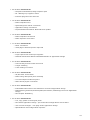
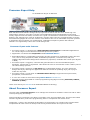
Select the RLEDON icon and click the OK button. See the following pictures:
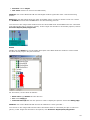
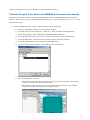
j. Using the procedure previously described for the red LED (steps a,b,c,d) add the green LED
bean to the project. The difference from the redLED bean is in the bean's propeties (pin,
name and initial value).
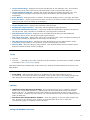
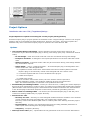
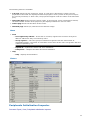
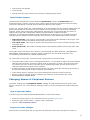
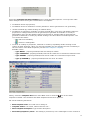
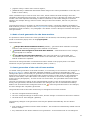
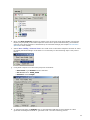
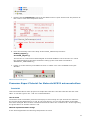
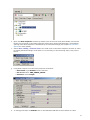
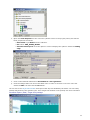
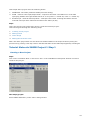
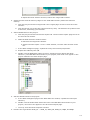
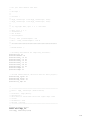
Set the bean properties as follows:
¡
Bean name: type GreenLED into the edit box.
¡
Pin for IO: select PTB1_ATD1
¡
Direction: select Output
¡
Init. value: select 1
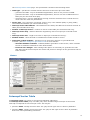
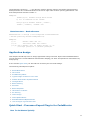
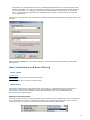
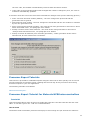
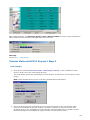
k. Click on the Methods TAB and switch all methods to "don't generate" and NegVal method to
"generate code" using button on the right.
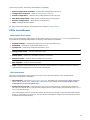
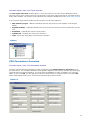
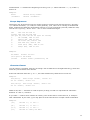
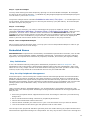
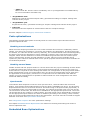
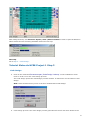
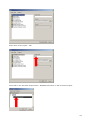
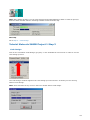
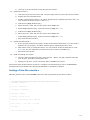
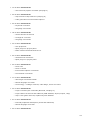
l. Click the Change bean icon item of the Bean menu in order to choose a new icon. Select the
GLEDON icon and click the OK button.
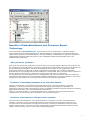
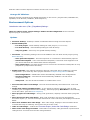
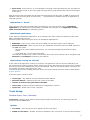
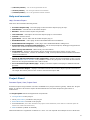
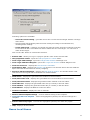
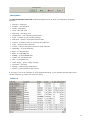
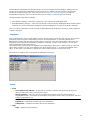
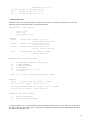
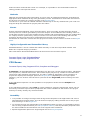
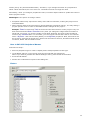
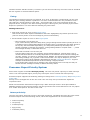
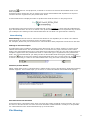
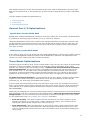
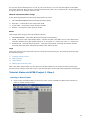
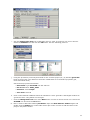
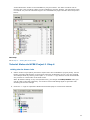
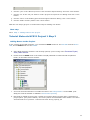
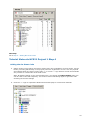
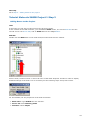
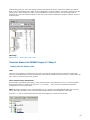
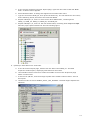
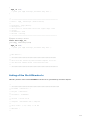
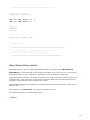
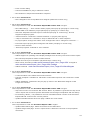
m. Now is time to add bean handling the button. Open the Bean Selector window again and
double click the ExtInt icon on the folder Interrupts in the in order to add the bean to the
project. See picture below:
89