1
l
l
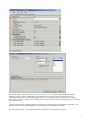
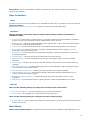
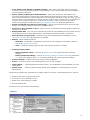
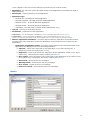
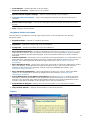
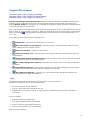
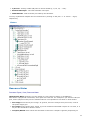
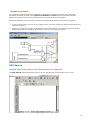
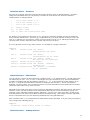
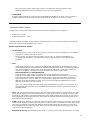
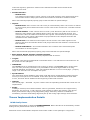
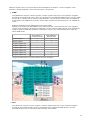
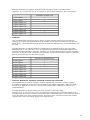
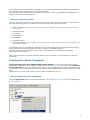
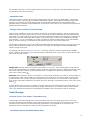
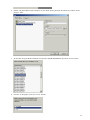
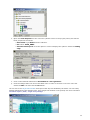
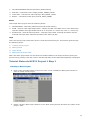
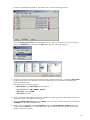
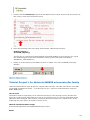
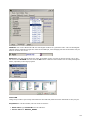
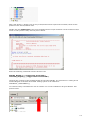
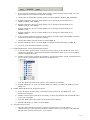
placing the mouse over any event/method icon/name displays the event/method's and
parameter's description and syntax
placing the mouse over any bean icon/name displays the bean description
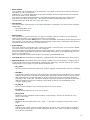
Multiselect and drag'n'drop features:
l
l
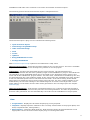
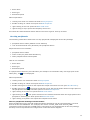
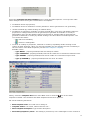
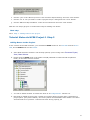
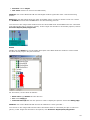
you may select several items using the Ctrl and Shift key together with cursor key or left
mouse button
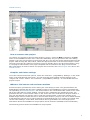
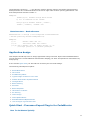
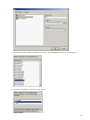
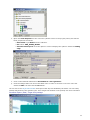
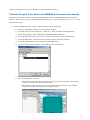
you may drag'n'drop components within the Project Panel to reorganize component trees
(CPUs, Beans, Documentation)
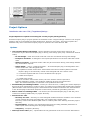
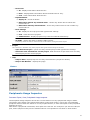
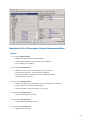
Picture
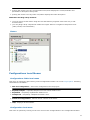
Configurations Local Menus
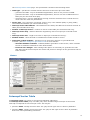
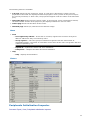
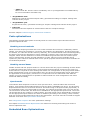
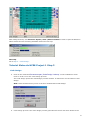
Configurations folder local menu
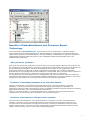
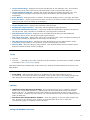
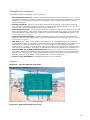
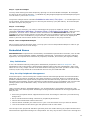
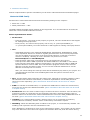
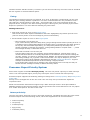
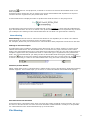
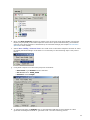
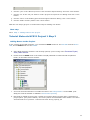
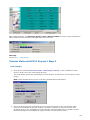
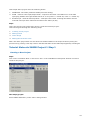
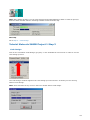
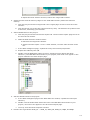
This menu is opened by right-clicking on the Configurations folder icon in the Project panel. Following
commands are available:
l
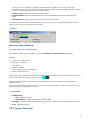
Add new configuration - add a new configuration into the project.
l
Expand/Collapse - expands/collapses one level of the folder's tree.
l
Expand all - completely expands the folder's tree.
l
Collapse all - completely collapses the folder's tree.
l
Delete all configurations - deletes all the content of the folder.
l
Help - displays documentation.
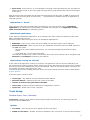
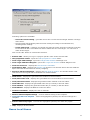
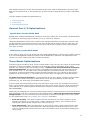
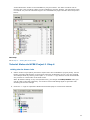
Configuration local menu
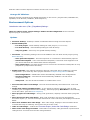
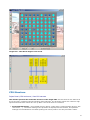
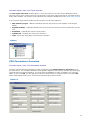
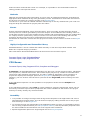
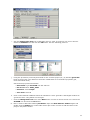
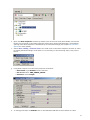
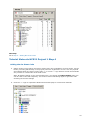
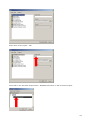
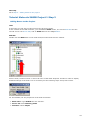
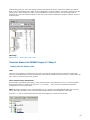
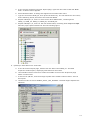
This menu is opened by clicking on the icon of one of the configurations in the configurations folder
23