1
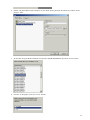
Target CPU window
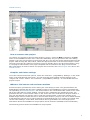
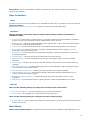
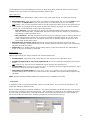
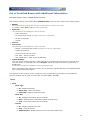
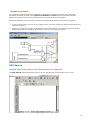
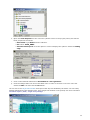
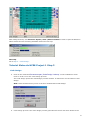
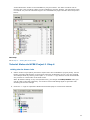
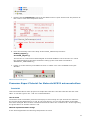
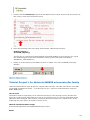
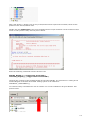
Processor Expert | View | Target CPU Package
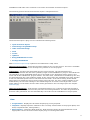
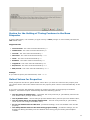
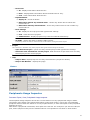
Processor Expert | View | Target CPU Block Diagram
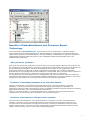
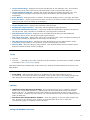
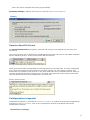
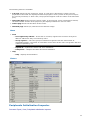
Processor Expert | View | Target CPU Structure
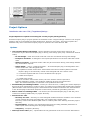
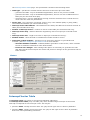
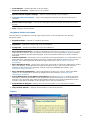
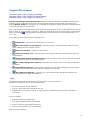
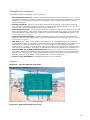
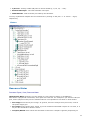
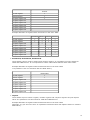
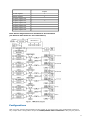
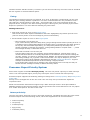
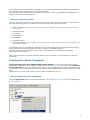
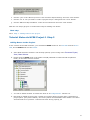
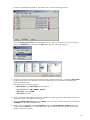
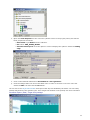
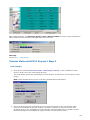
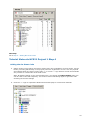
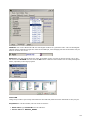
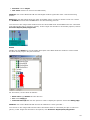
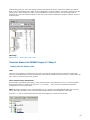
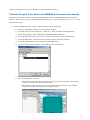
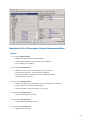
This window displays selected target CPU with its peripherals and pins (possible data directions
of single pins are indicated by blue arrows on the CPU package when a bean uses these pins).
Several display modes are supported. It is possible to switch the display mode by pushing buttons
in the left side menu of the window.
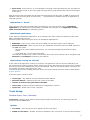
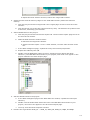
Some signals and peripherals cannot be used by the user because they are allocated by the special
devices such as power signals, external or data bus. Special devices are indicated by a special blue
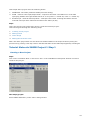
icons, for example
. The allocation of peripherals by special devices could be influenced by CPU
properties.
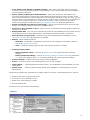
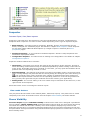
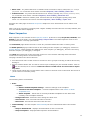
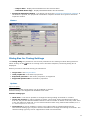
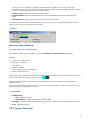
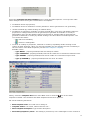
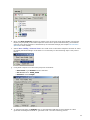
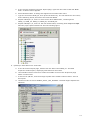
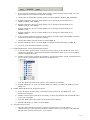
The meanings of the buttons on the left side are:
Rotates CPU - rotate the CPU 90 degrees to the right.
l
l
Show user names on CPU package - switches the pins' and peripherals' default names
(from catalog) for user-defined names.
Print CPU on printer - prints the CPU picture.
l
l
l
l
l
l
Always show bean icons - CPU package's size may be reduced, provided bean icons are
still displayed.
Always show internal peripheral devices - CPU package's size may be reduced, provided
on-chip peripheral devices are still displayed.
Show CPU package and peripheral - switches to a realistic view of the CPU package and
peripheral.
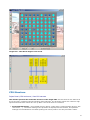
Show BGA CPU package - This option is allowed only for CPUs with grid-array pins layout.
Pins hidden by package are shown and the peripherals are hidden.
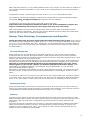
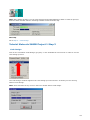
Show CPU block diagram - switches to a view of theCPU block diagram based on the
documentation of the MCU manufacturer.
Pins
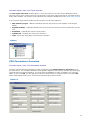
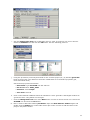
The following information about each pin is displayed on the CPU picture:
(all pins are displayed only on the CPU package)
l
pin name (default or user-defined)
l
icon of a bean that uses (allocates) the pin
l
direction of the pin (input, output, or input/output) symbolized by blue arrows, if a bean is
connected
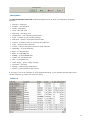
Pin hint contains:
l
number of the pin (on package)
l
both names (default and user-defined)
l
owner of the pin (bean that allocates it)
l
short pin description from CPU database
Bean icon hint contains:
38