1
APPENDIX B. DEVELOP
144
Attention
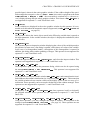
This operator is not supported for exported C++ code.
Parameter
.
Variable (input control)
: : : : : : : : : : : : : : : : : : : : : : : : integer(-array)
Name of the variable to be checked.
; integer / real / string
Example
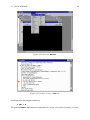
read_image (Image, 'fabrik')
regiongrowing (Image, Regions, 3, 3, 6, 100)
area_center (Regions, Area, Row, Column)
dev_inspect_ctrl (Area)
Result
dev inspect ctrl always returns 2 (H MSG TRUE)
See Also
dev update var
Module
Basic operators
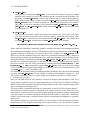
dev map par ( : : : )
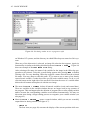
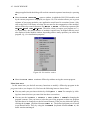
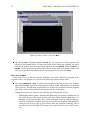
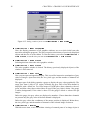
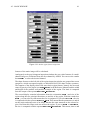
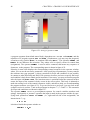
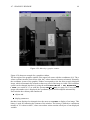
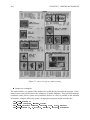
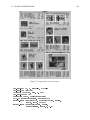
Open the dialog to specify the display parameters.
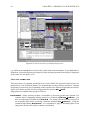
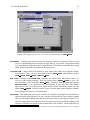
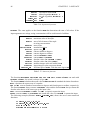
dev map par opens the dialog which can also be accessed from the menu Visualization .
Set Parameters.... The dialog is used to configure the modes to display data like images,
regions, or polygons.
Attention
This operator is not supported for exported C++ code.
Example
read_image (Image, 'fabrik')
threshold (Image, Region, 128, 255)
dev_map_par ()
Result
dev map par always returns 2 (H MSG TRUE)
Possible Successor Functions
dev unmap par
Module
Basic operators