1
CubeSuite+ V2.02.00
APPENDIX A WINDOW REFERENCE
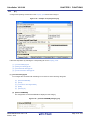
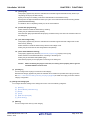
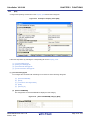
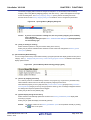
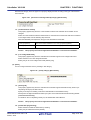
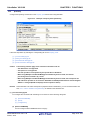
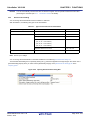
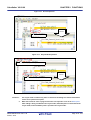
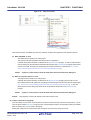
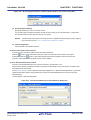
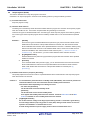
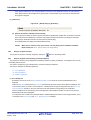
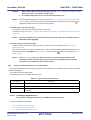
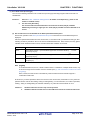
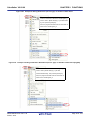
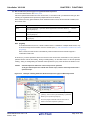
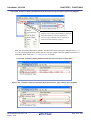
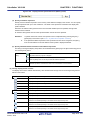
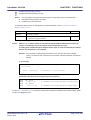
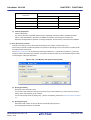
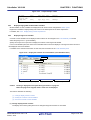
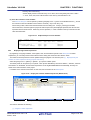
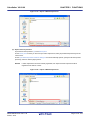
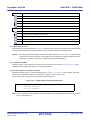
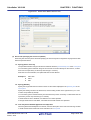
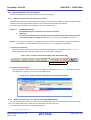
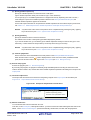
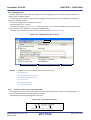
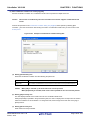
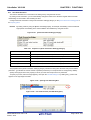
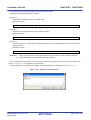
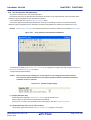
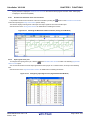
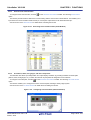
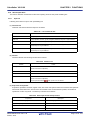
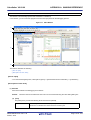
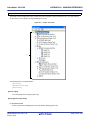
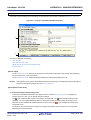
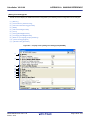
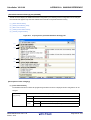
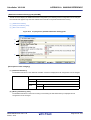
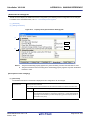
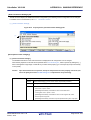
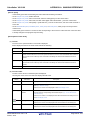
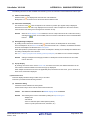
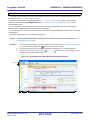
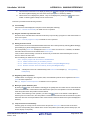
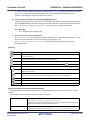
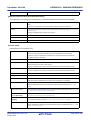
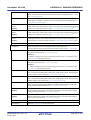
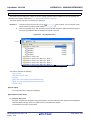
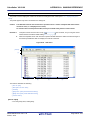
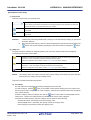
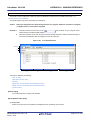
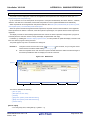
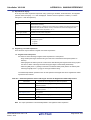
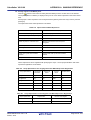
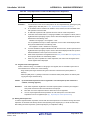
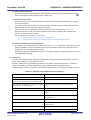
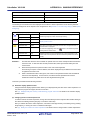
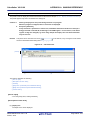
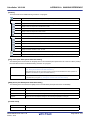
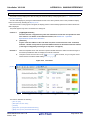
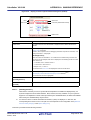
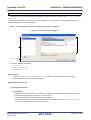
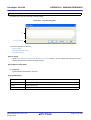
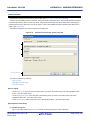
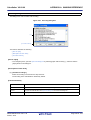
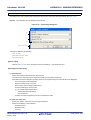
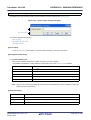
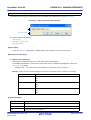
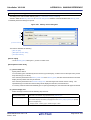
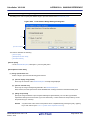
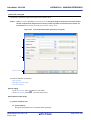
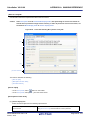
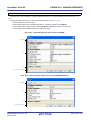
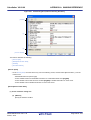
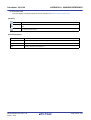
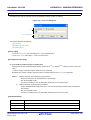
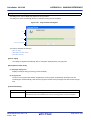
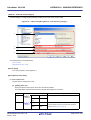
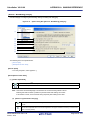
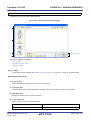
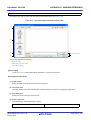
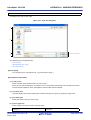
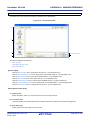
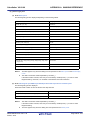
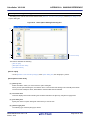
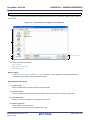
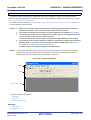
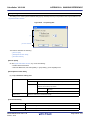
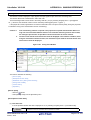
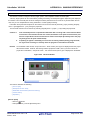
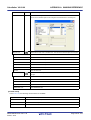
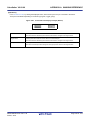
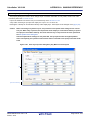
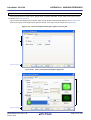
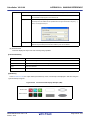
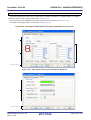
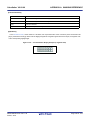
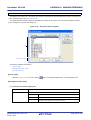
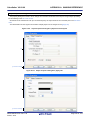
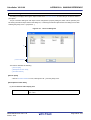
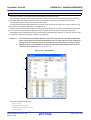
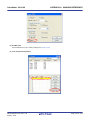
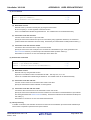
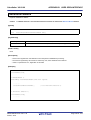
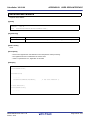
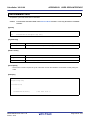
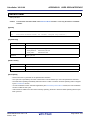
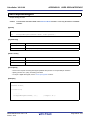
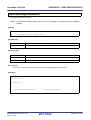
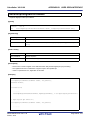
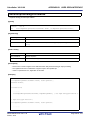
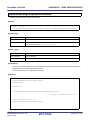
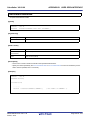
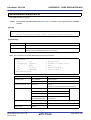
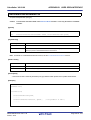
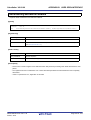
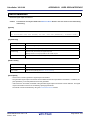
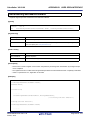
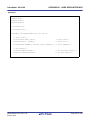
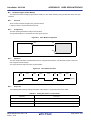
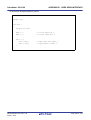
Save Option Setting File dialog box
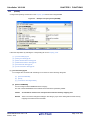
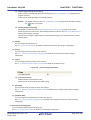
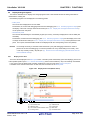
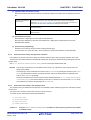
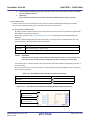
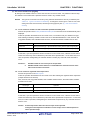
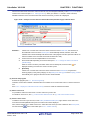
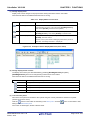
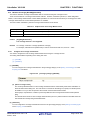
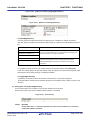
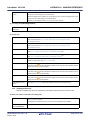
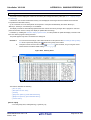
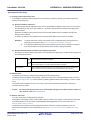
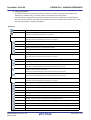
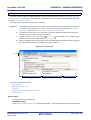
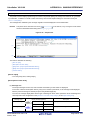
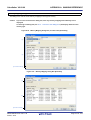
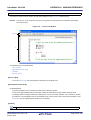
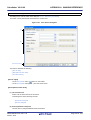
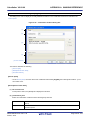
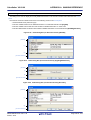
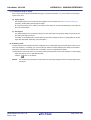
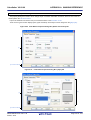
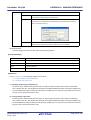
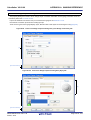
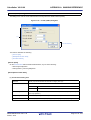
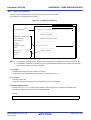
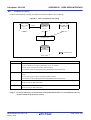
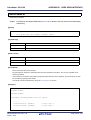
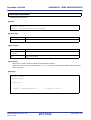
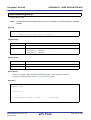
This dialog box is used to save the set contents of the [General - Font and Color] category of the Option dialog box to
a option setting file.
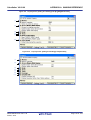
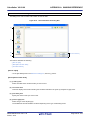
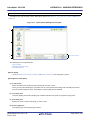
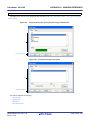
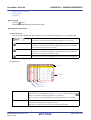
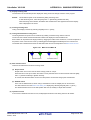
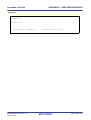
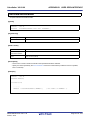
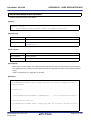
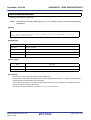
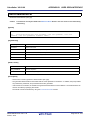
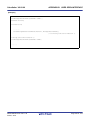
Figure A-78. Save Option Setting File Dialog Box
(1)
(2)
(3)
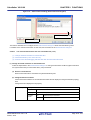
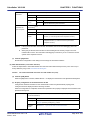
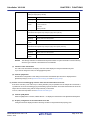
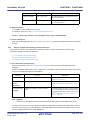
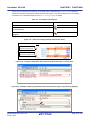
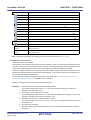
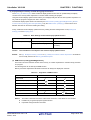
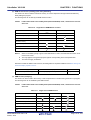
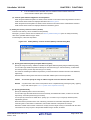
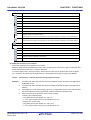
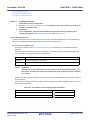
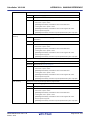
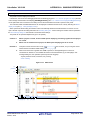
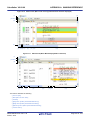
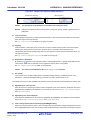
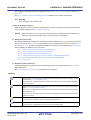
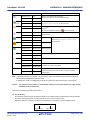
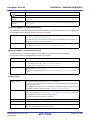
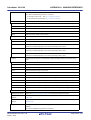
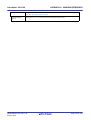
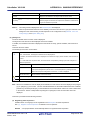
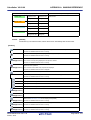
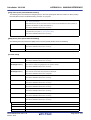
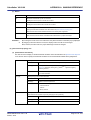
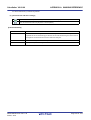
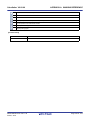
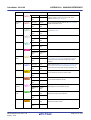
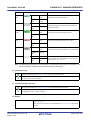
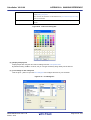
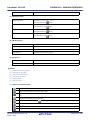
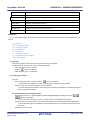
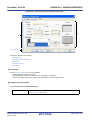
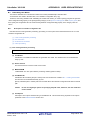
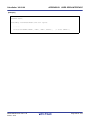
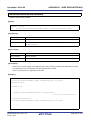
[Function buttons]
(4)
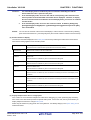
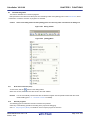
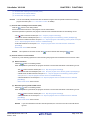
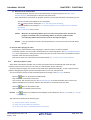
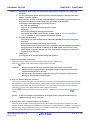
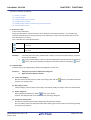
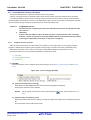
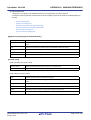
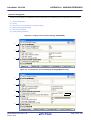
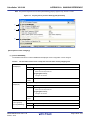
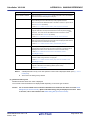
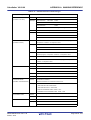
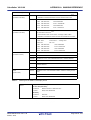
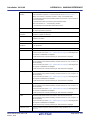
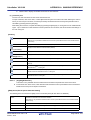
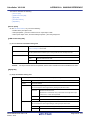
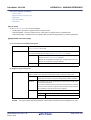
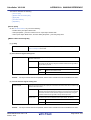
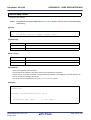
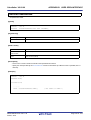
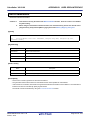
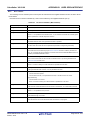
This section describes the following.
- [How to open]
- [Description of each area]
- [Function buttons]
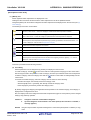
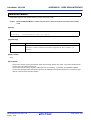
[How to open]
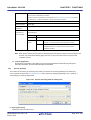
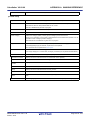
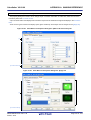
- On the [General - Font and Color] category of the Option dialog box, click the [Export...] button.
[Description of each area]
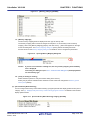
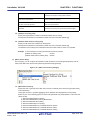
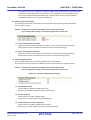
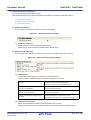
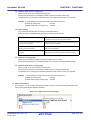
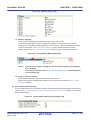
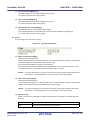
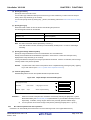
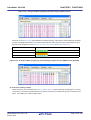
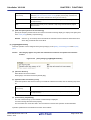
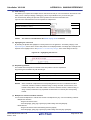
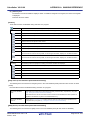
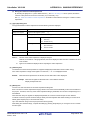
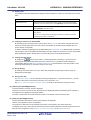
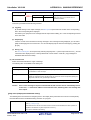
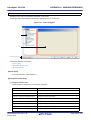
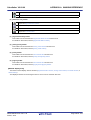
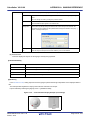
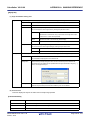
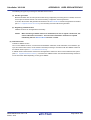
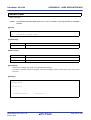
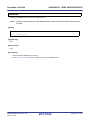
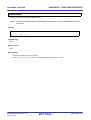
(1) [Save in] area
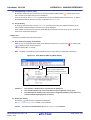
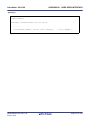
Select the folder in which you want to save the option setting file.
When you first open this dialog box, the folder is set to "C:\Documents and Settings \user-name\My Documents".
The second and subsequent times, this defaults to the last folder that was selected.
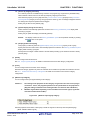
(2) List of files area
This area displays a list of files matching the conditions selected in the [Save in] and [Save as type] areas.
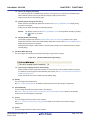
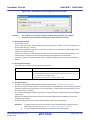
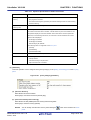
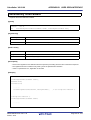
(3) [File name] area
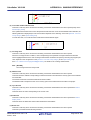
Specify the name of a option setting file under which you want to save.
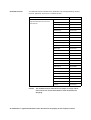
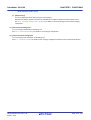
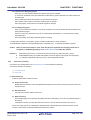
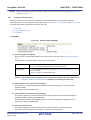
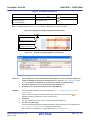
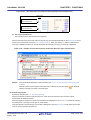
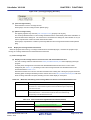
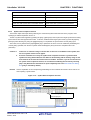
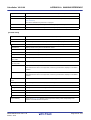
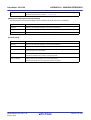
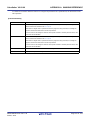
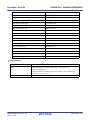
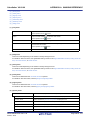
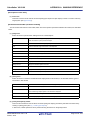
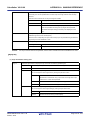
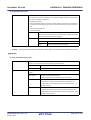
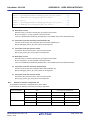
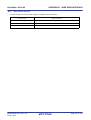
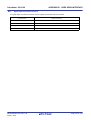
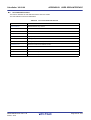
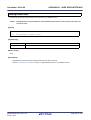
(4) [Save as type] area
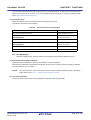
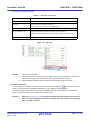
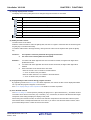
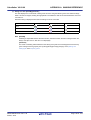
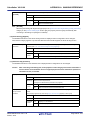
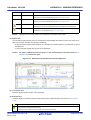
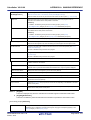
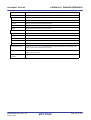
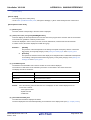
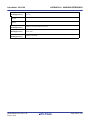
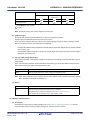
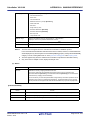
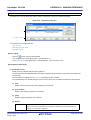
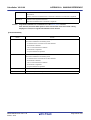
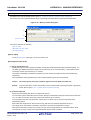
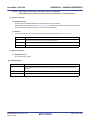
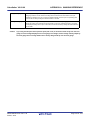
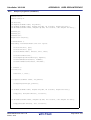
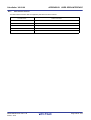
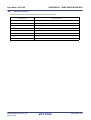
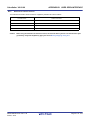
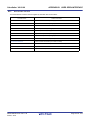
The following type of the file (file type) is shown.
R20UT2867EJ0100 Rev.1.00
Feb 01, 2014
Page 391 of 572