1
nsCommerceSpace Setup Guide
44
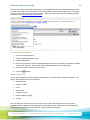
Now you are ready to assign your domain name in your Account Manager.
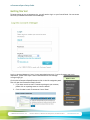
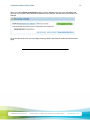
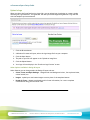
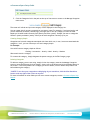
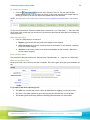
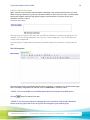
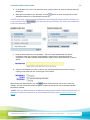
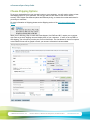
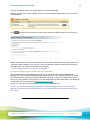
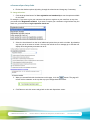
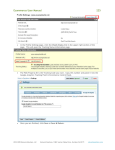
When you log into your account manager and do not have an assigned domain name, you will see the
following notice:
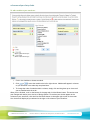
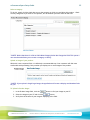
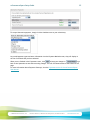
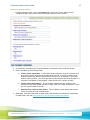
Click
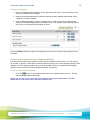
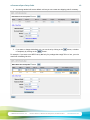
and follow the instructions on the screen to assign your domain name to your new store.
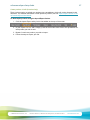
Make sure you select this as your Primary Domain. This is where customers will enter your online store,
it will allow search engines to find your site, and if you purchase a Network Solutions SSL Certificate,
this is where we will automatically install your certificate.
**NOTE: Changes can take up to 72 hours to propagate.
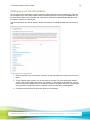
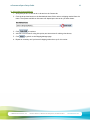
Purchase an Additional Secure Socket Layer (SSL) Certificate.
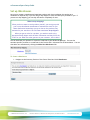
As a Network Solutions nsCommerceSpace owner you do not need to purchase an additional SSL
package. All of our nsCommerceSpace packages include a level of Secure Socket Layering that passes
CISP certification for securing your online transactions. However, if you wish to add an extra layer of
security for your customers, you may do so. For more information on how to determine if you should get
an additional SSL certificate see the Network Solutions SSL page.
(at this url: http://www.networksolutions.com/SSL-certificates/index.jsp)
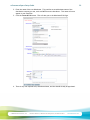
**NOTE: For a Network Solutions SSL Certificate, the domain assigned to the nsCommerceSpace
package must be marked as the primary domain, and must be the same as the domain assigned to the
SSL service.
© 2009 Network Solutions, LLC
Network Solutions, 13861 Sunrise Valley Drive, Herndon VA 20171
networksolutions.com