1
Setting the handset
Step by Step
Setting ringing tones and pictures with
resource directory
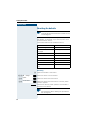
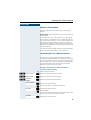
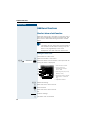
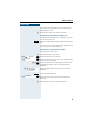
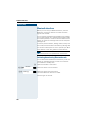
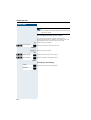
The resource directory on the handset manages sounds
that you can use as ringing tones and pictures that you
can use as caller pictures or screensavers. Calling Line
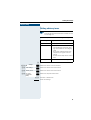
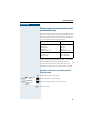
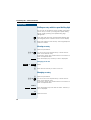
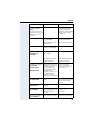
Identification Presentation (CLIP). The resource directory can manage the following media types:
Type
Format
Sounds:
Ringtones
Monophonic
Polyphonic
Imported sounds
Internal
Internal
Internal
WMA, MP3, WAV
Pictures:
Caller picture
Screensaver
BMP, JPG, GIF
128 x 86 pixels
128 x 160 pixels
Your handset comes with a number of mono- and polyphonic sounds and pictures pre-installed. You can listen
to the available sounds and display the pictures.
You can download pictures and sounds from a PC
Æ Page 107. If there is not enough memory available,
you must first delete one or more pictures or sounds.
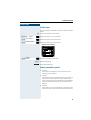
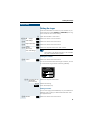
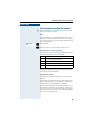
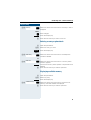
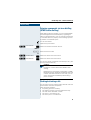
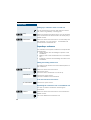
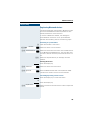
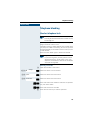
Viewing screensavers and caller pictures /
Playing sounds
uv·
st
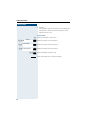
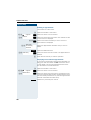
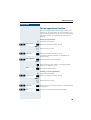
v Open the handset's main menu.
Resource Directory
Screensavers
Caller Pictures
Sounds
Memory
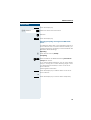
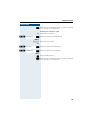
[ Select the menu icon and confirm.
[ Select the required menu item and confirm.
s t Select the entry.
27