1
Web Based Version
Trading Platform User Guide
5 Additional Menu Items
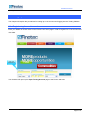
This chapter describes various other menu items of the Finotec Trading Platform.
5.1 Configuration
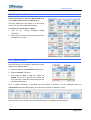
Change Password
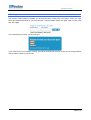
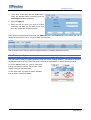
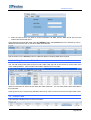
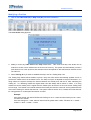
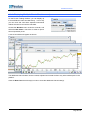
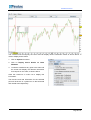
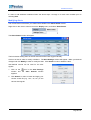
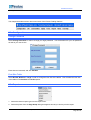
Select Change Password in order to change your login password. You will be asked for your old password
as well as your new choice.
Enter them as instructed, and click Validate.
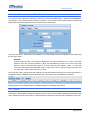
Font Size Table
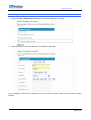
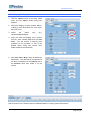
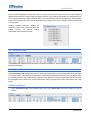
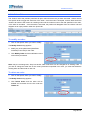
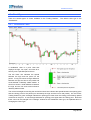
Select Normal, Medium or Large in order to change the font size of the tables. This will affect the font size
of the tables in the Portfolio and Profile panes.
5.2 Report
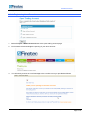
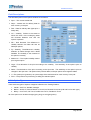
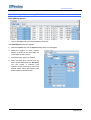
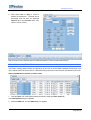
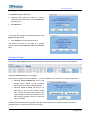
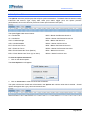
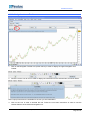
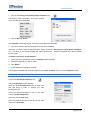
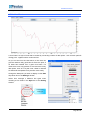
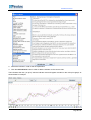
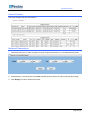
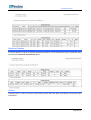
1. Select the relevant report type from the report menu.
2. Select the printer from the Page Setup dialog that appears should you wish to print the report.
Finotec Group Inc., 350 Fifth Avenue, Suite 2712, New York, NY 10118
Page 74 of 78