1
Chansel: Automate Your Documents
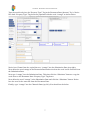
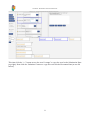
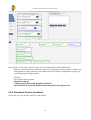
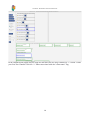
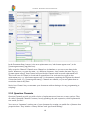
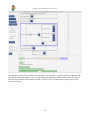
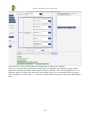
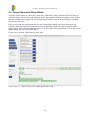
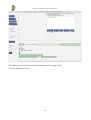
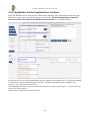
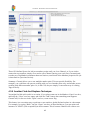
In the Document Pane, bottom, is the new replacement text, “abcd-estate-agents.com”, in the
[[estate agents name]] tag (blue box).
Why create the Channel? Chansel saves Channels to its database so you can re-use them in the
future. Whenever you open the same - or a different document - that contains the same Tag, e.g.
[[estate agents name]], then Chansel will provide this Channel with its stored replacement text.
This is true even if Chansel is closed and re-opened later. You won't need to retype in that
replacement text, e.g. “abcd-estate-agents.com” for documents containing the Tag that the channel
is associated with, e.g. [[estate agents name]]. Channels are editable, so you can update them or
even delete them at any time.
Notice how Chansel lets you automate your documents without having to do any programming or
scripting!
2.3.3 Question Channels
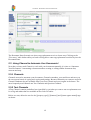
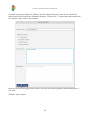
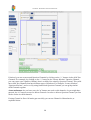
Question Channels provide you with a choice of replacement text from two or more options. They
are called “Question Channels” because, loosely speaking, they ask a question, which replacement
text would you like?
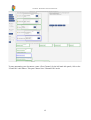
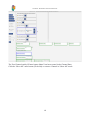
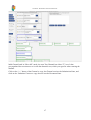
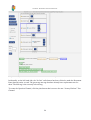
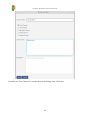
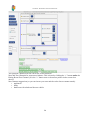
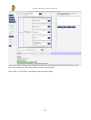
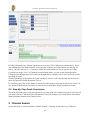
You can now “Automate” another part of your document by creating a re-usable list of features that
properties have. They include a “luxury kitchen” and “gas central heating”.
18