1
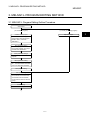
3. MELSAP-L PROGRAM EDITING METHOD
MELSEC
POINT
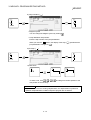
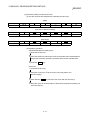
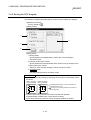
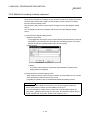
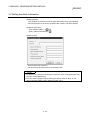
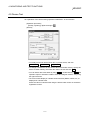
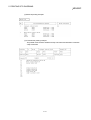
• Use the device comment edit screen to create a label.
For details of the device comment edit screen, refer to the SW5D5C-GPPW-E
operating manual.
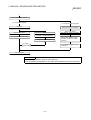
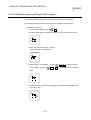
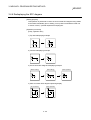
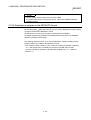
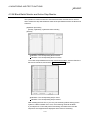
3.13.4 Displaying a program in the MELSAP3 format
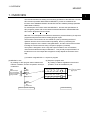
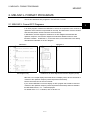
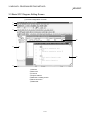
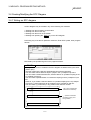
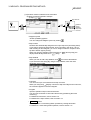
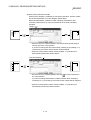
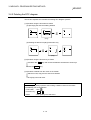
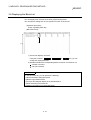
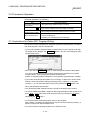
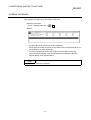
By selecting [View] [MELSAP3 format], you can use the MELSAP3 format to display
a program created in the MELSAP-L format.
No restrictions occur when you change to a MELSAP3 format display.
For details of performing operations in the MELSAP3 format, refer to the SW5D5CGPPW-E operating manual (SFC).
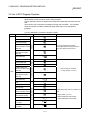
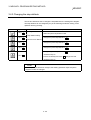
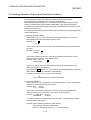
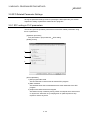
The following restrictions occur if you use the MELSAP-L format to display an SFC
program created or modified in the MELSAP3 format.
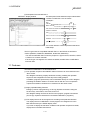
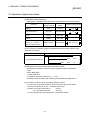
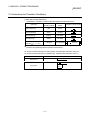
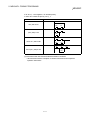
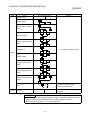
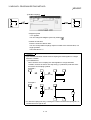
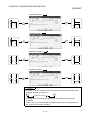
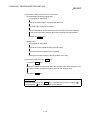
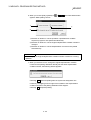
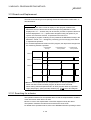
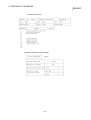
• If an operation output contains a note, contact or comparison operation instruction,
"???.." will appear when you display the program in the MELSAP-L format.
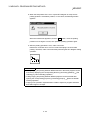
You cannot modify an operation output that was displayed as "???..". (Refer to
section 2.4.)
3 - 50