1
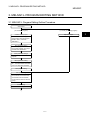
4. MONITORING AND TEST FUNCTIONS
MELSEC
4.5 Device Test
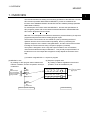
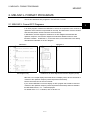
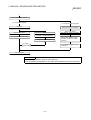
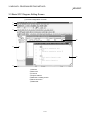
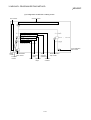
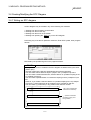
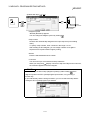
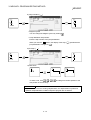
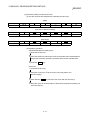
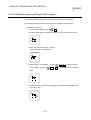
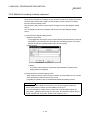
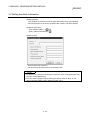
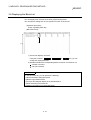
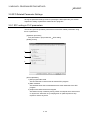
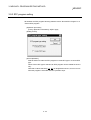
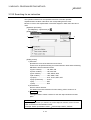
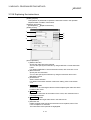
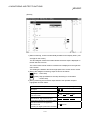
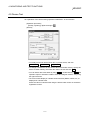
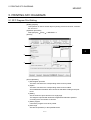
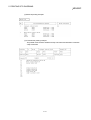
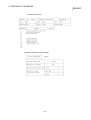
An explanation of the device testing operation in MELSAP-L is set out below.
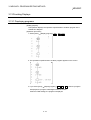
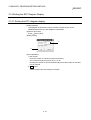
[Operation procedure]
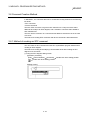
[Online] [Debug]
[Screen]
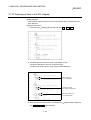
[Device test] or
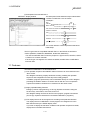
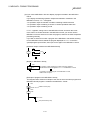
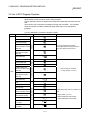
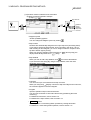
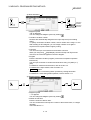
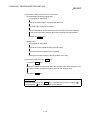
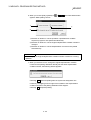
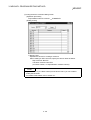
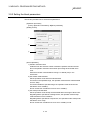
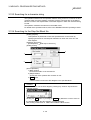
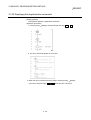
• To forcibly turn the bit device ON or OFF, input the device, and click
FORCE ON / FORCE OFF / Toggle force .
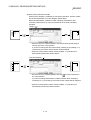
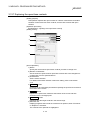
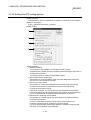
• To change a word device or the current value of the buffer memory, specify the
device or buffer memory, then enter the value to be set and click Set .
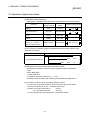
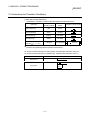
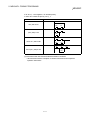
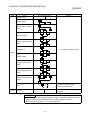
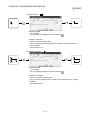
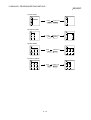
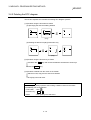
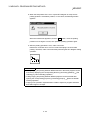
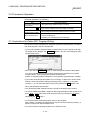
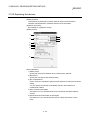
• You can start a device test either by using Shift + double-clicking ( Enter ) the
operation output or transition condition of the SFC diagram monitor, or by using
the right click menu.
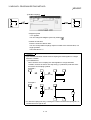
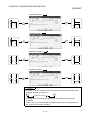
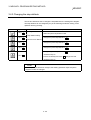
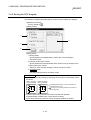
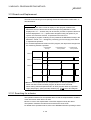
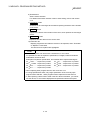
• The current value display of a double word instruction (DMOV, DFRO, etc.) is
displayed as a double word.
Check the value of a double word using the device batch monitor or the device
registration monitor.
4-7