1
Using Options in SheetCAM
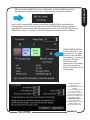
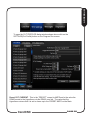
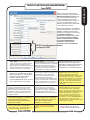
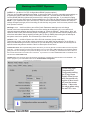
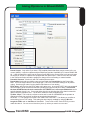
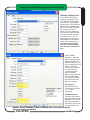
Most of the new POST options show up in SheetCAM as either a Tool Table (tool
parameter) or in the Operaton Window. The difference is that tool parameters are for
the whole job as long as that tool is selected. A tool is selected for an Operation but
most operations in a job will use the same tool. An Operation is created when you
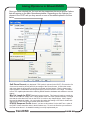
select a TYPE of operation (i.e. Jet Cutting, Drilling, Contour, etc) from the Operatons
Menu Within each Operation Type there are various tools you can select. The tools
you can apply to an Operation are from the ToolSet you have loaded in SheetCAM.
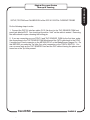
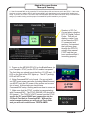
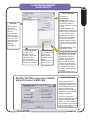
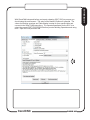
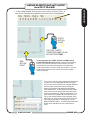
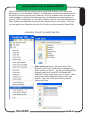
LOADING A TOOLSET IN SHEETCAM TNG
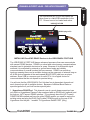
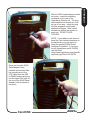
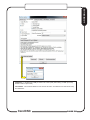
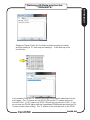
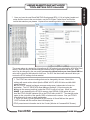
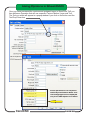
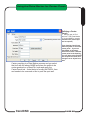
Open toolset will open a sub menu with a File
Browser (Load Tools) It will allow to navigate the
folder structure of the PC . As part of the SheetCAM
Support Install from CandCNC the SheetCAMCandCNC Folder is placed on your C:\ drive. It has
several sub folders that hold custom Posts, and
toolsets. Open the TOOLsets folder by double
clicking the folder.
CandCNC
PAGE 57