1
Chapter Error! AutoText entry not defined.: Using Multiple Axes
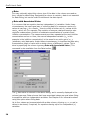
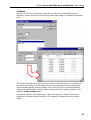
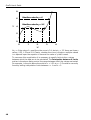
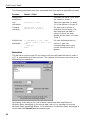
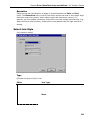
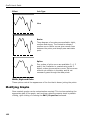
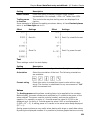
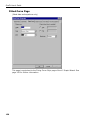
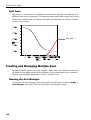
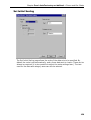
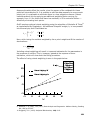
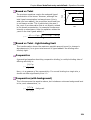
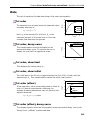
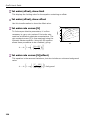
split so that the scale for two new axes is set as below, using the Split value to set
the end of the first scale and the start of the second.
Original Axis
Start
Finish
Split Axis
Start
Split value
Finish
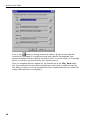
After entering a suitable Split value, click the Finish button to create the new
axis.
Removing an Axis
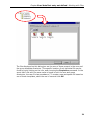
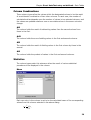
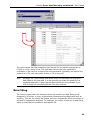
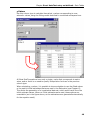
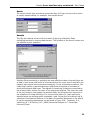
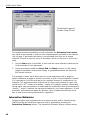
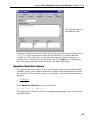
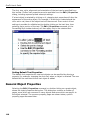
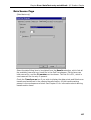
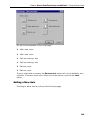
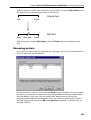
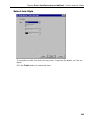
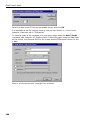
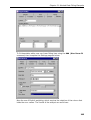
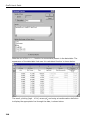
If you elect to remove an axis using the Axis Manager, you will be presented with a
list of all axes that can be deleted.
Choose the axis to remove, then click the Finish button to delete it from the graph.
Any data or curves that are associated with the deleted axis become reassociated
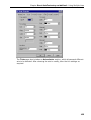
with the default (first) axis. You can modify axis associations by editing the
properties associated with the data set. To do so, select the data symbol found in
the data legend, and choose the Edit | Properties command (or double-click on
the data symbol).
151